How to enable approval for joining a community in Microsoft Teams
Here is how to enable approval for joining a community in microsoft teams
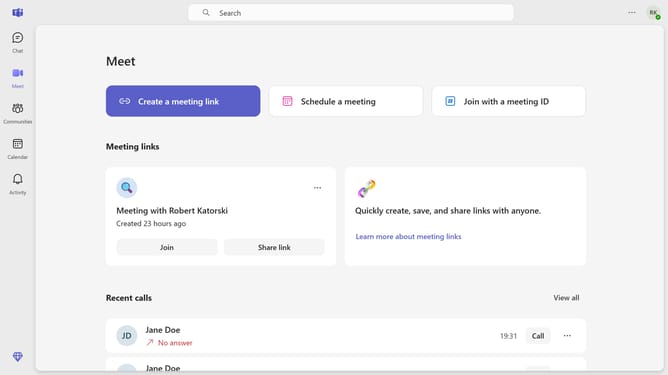
- First click on the "Communities" icon in the left sidebar
- Then click the channel where you want to enable approval to join
- Next click on the "Settings" gear icon in the top-right corner of the channel
- Then click on the "Settings" tab in the channel settings menu
- Finally toggle on the "Require approval to join" switch in the Join settings section
Why should you enable approval for joining a community in Microsoft Teams
Microsoft Teams is a powerful collaboration platform designed to bring people together seamlessly.
By enabling approval for joining a community in Microsoft Teams, you establish a layer of security and control over who joins your group.
This feature helps maintain privacy and ensures that only appropriate members have access, fostering a safe environment for sharing and teamwork.
Through this, you can cultivate a focused and cohesive community, enhancing productivity and engagement within your digital workspace.
Last update