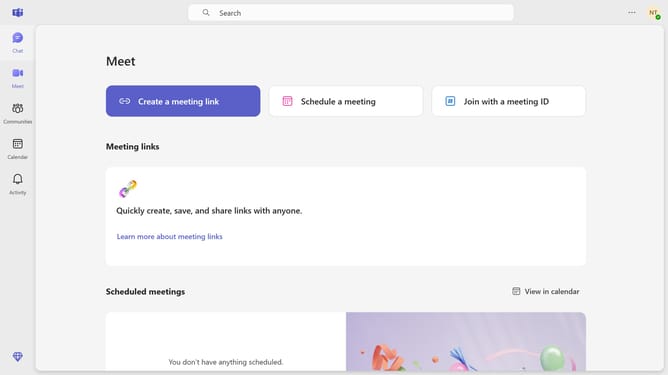
How to set your status to offline using slash command in Microsoft Teams
Here is how to set your status to offline using slash command in microsoft teams
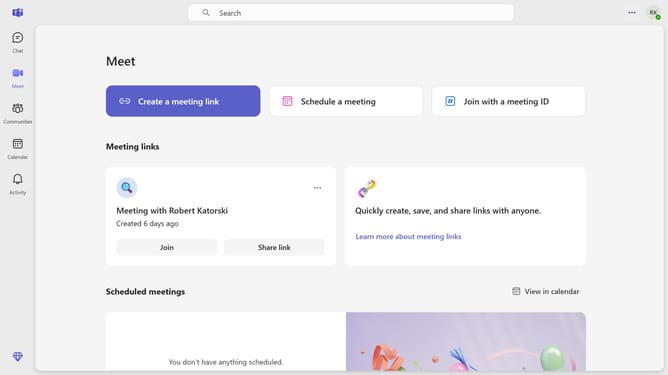
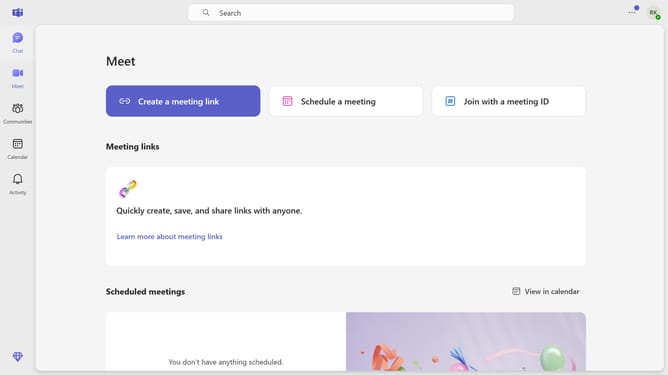
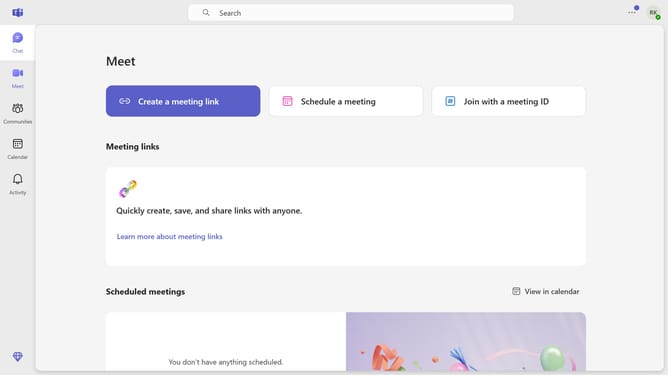
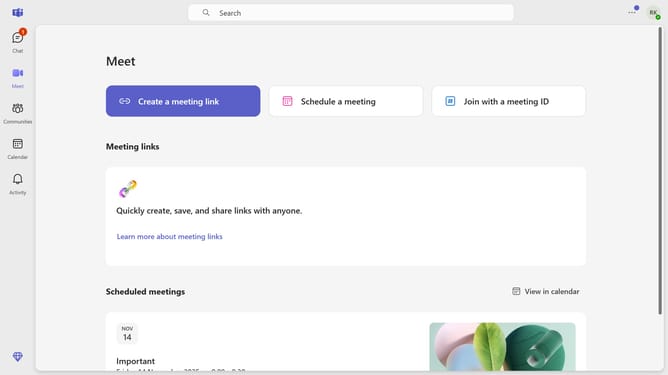
- First click on the "Chat" icon in the top navigation bar
- Next click on a chat conversation in a chat list
- Then click in the "Type a message" field at the bottom of the chat window and type "/offline"
- Finally click "/offline" command from the suggestion menu
Why should you set your status to offline using slash command in Microsoft Teams
Microsoft Teams serves as a dynamic collaboration hub, seamlessly connecting teams worldwide.
The ability to set your status to offline using a slash command in Microsoft Teams offers a subtle way to focus without distractions. This feature allows you to appear offline while maintaining your presence in other workspaces.
By using this simple command, you gain control over your availability, optimizing your productivity. It's perfect for moments when deep concentration is essential, yet you want to preserve rapid access to team communications when needed.
Last update