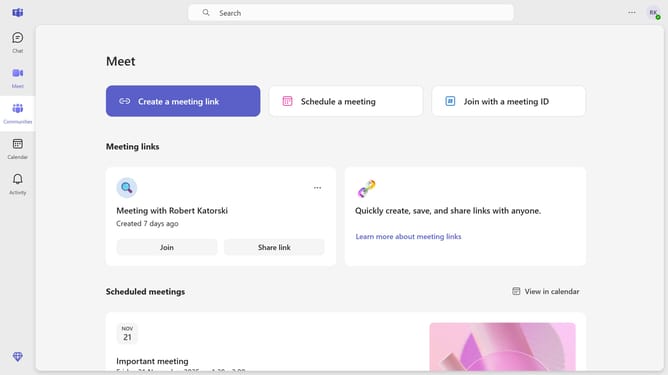
How to filter chats by unread in Microsoft Teams
Here is how to filter chats by unread in microsoft teams
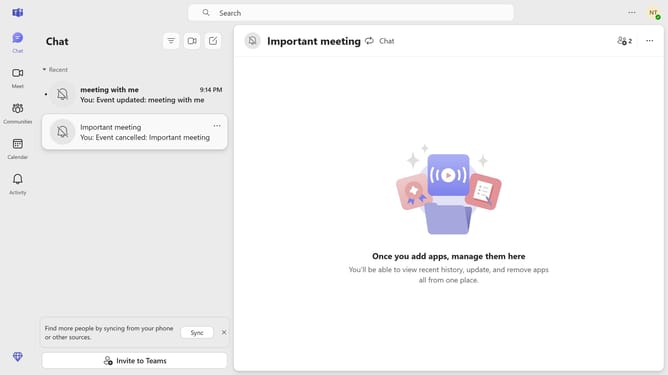
- First click on the "Chat" tab in the header menu
- Then click on three horizontal lines button at the top
- Next click on the "Filter" button in the top-right corner to open filtering options
- Finally click on "Chats" option in the filter dropdown menu
Why should you filter chats by unread in Microsoft Teams
Microsoft Teams is a comprehensive collaboration platform designed to enhance teamwork and communication seamlessly.
Filtering chats by unread in Microsoft Teams streamlines communication by ensuring you never miss any important messages.
This feature is invaluable as it allows for quick identification of new information, enhancing productivity by prioritizing what requires your immediate attention.
Staying on top of unread messages keeps teams aligned and ensures that decisions are made based on the latest discussions.
Last update