How to set a community event to recur monthly in Microsoft Teams
Here is how to set a community event to recur monthly in microsoft teams
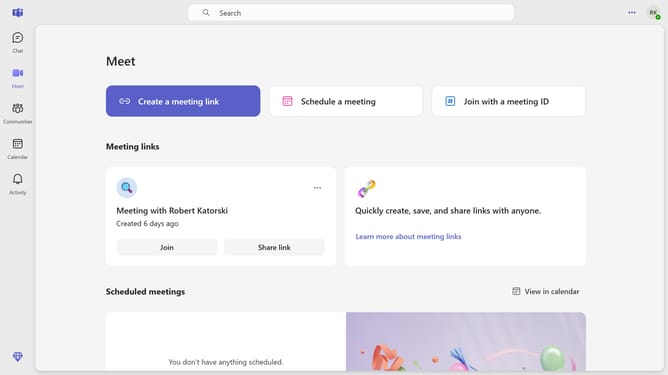
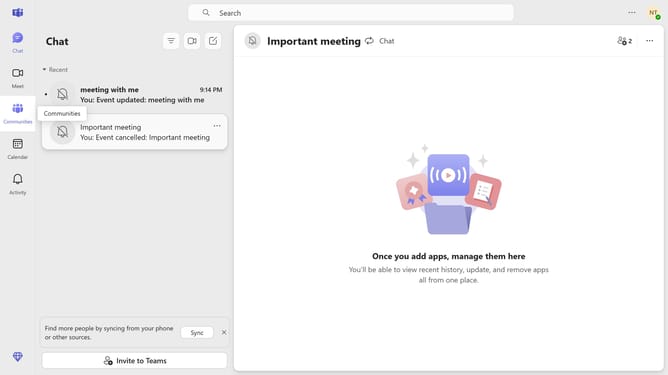
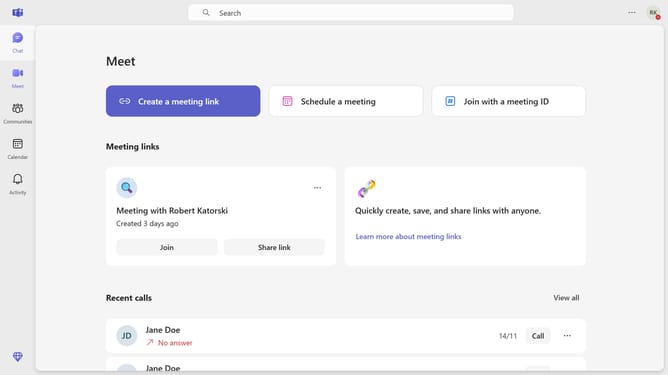
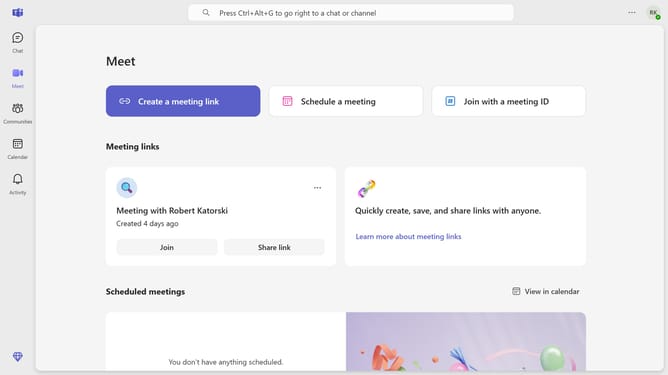
- First click on the "Communities" button in the left sidebar
- Then click a community channel in the left sidebar
- Next click on the "Events" button in the top menu bar of the community
- Then click on the "Edit" button in the meeting card controls
- Next click on the recurrence dropdown menu
- Then select the "Monthly" option from the recurrence dropdown menu
- Next click on the "Save" button in the recurrence dialog to confirm the changes
- Finally click on the "Send update" button in the top right corner to save and publish the meeting changes
Why should you set a community event to recur monthly in Microsoft Teams
Microsoft Teams is a dynamic collaboration platform designed to elevate teamwork and communication within organizations.
Setting a community event to recur monthly in Microsoft Teams streamlines event management by ensuring consistent scheduling without manual input every month. This feature is particularly beneficial for regular meetings or community-building activities, fostering engagement through predictability.
Leveraging this capability enhances organizational efficiency, allowing team members to focus on participating and interacting, rather than on administrative tasks. Ultimately, it promotes a more cohesive community atmosphere within the team.
Last update