How to reset your status using slash command in Microsoft Teams
Here is how to reset your status using slash command in microsoft teams
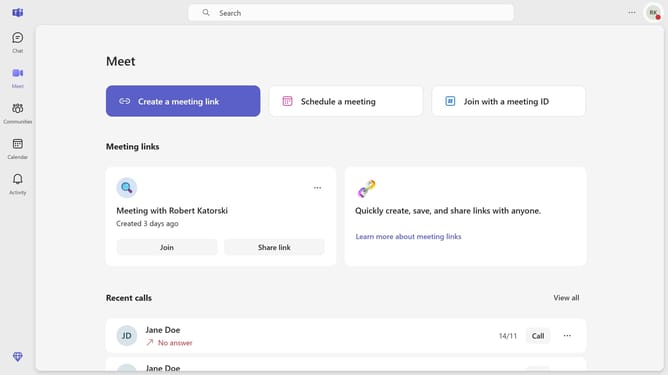
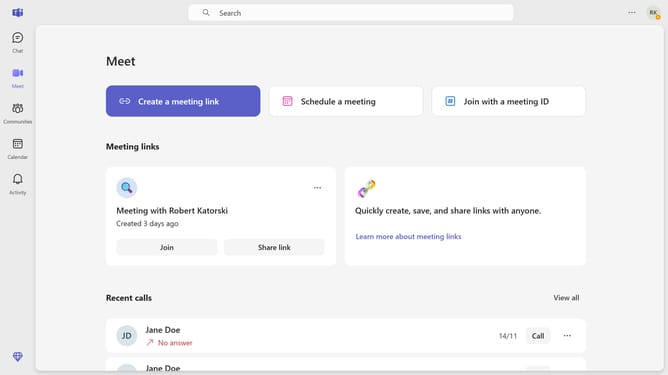
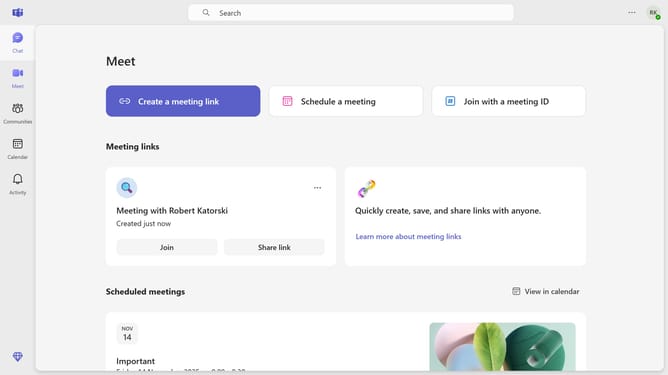
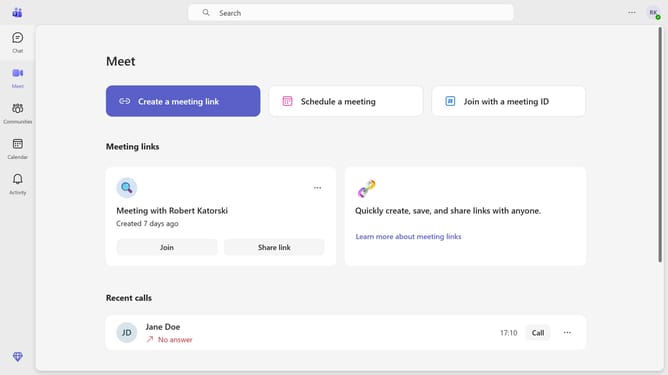
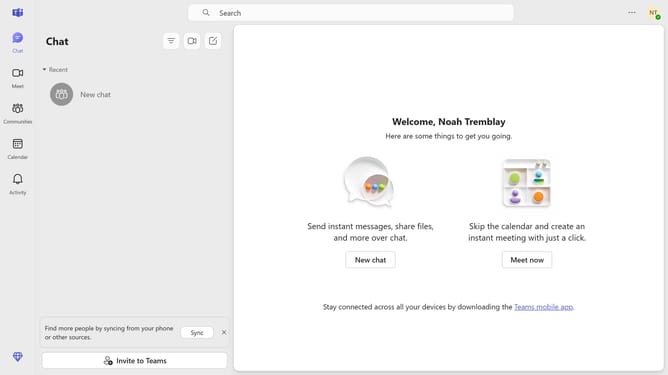
- First click on the "Chat" button in the top navigation bar
- Then click on a chat in the message list
- Next click on the message input field at the bottom of the chat window and type "/reset"
- Finally click on the "/reset" command suggestion that appears in the command menu
Why should you reset your status using slash command in Microsoft Teams
Microsoft Teams is a powerful platform designed to streamline communication and collaboration in professional environments.
One of its intuitive features allows users to reset their status effortlessly using a simple slash command.
This feature ensures your availability is accurately reflected, preventing any miscommunications.
By quickly resetting your status, you maintain transparency with your team, keeping everyone on the same page, and ensuring productive collaboration.
Last update