How to set your status to available using slash command in Microsoft Teams
Here is how to set your status to available using slash command in microsoft teams
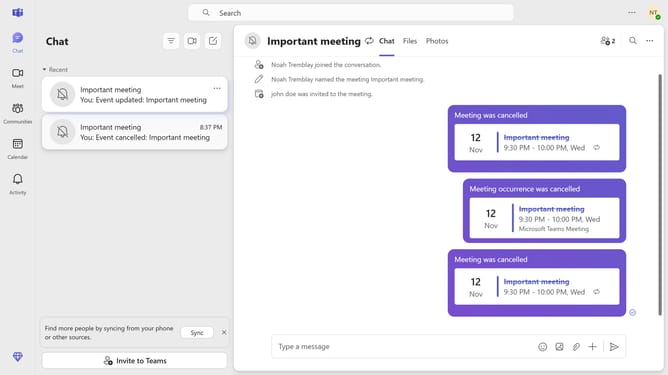
- First click on the "Chat" icon in the top navigation bar
- Then click on a chat message in the message list
- Next click on the message input field at the bottom of the chat window and type "/available"
- Finally click the command "/available" from the suggestion menu
Why should you set your status to available using slash command in Microsoft Teams
Microsoft Teams is a versatile communication tool designed to streamline collaboration in professional environments.
Setting your status to "available" using the slash command is an efficient feature that enhances visibility among colleagues and team members.
With a simple command, you can instantly broadcast your availability, ensuring team members know you're ready to engage. This instant clarity can facilitate smoother team interactions and reduce response times, enhancing workflow across your projects.
By using this feature, you can maintain continuous communication, ultimately contributing to increased productivity and a more cohesive team dynamic.
Last update