How to enable the enter or spacebar key to show content in Microsoft Teams
Here is how to enable the enter or spacebar key to show content in microsoft teams
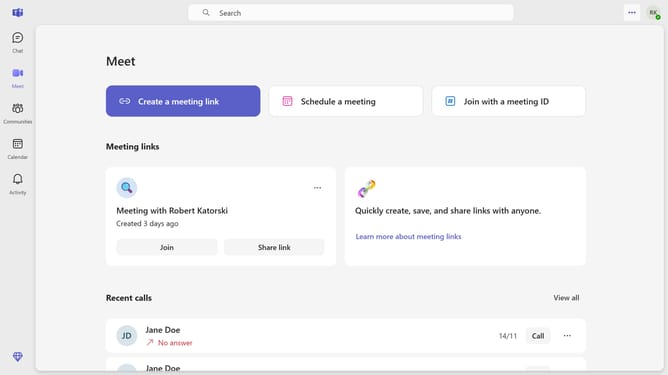
- First click the settings menu button in the top-right corner of the interface
- Then click "Settings" from the dropdown menu
- Scroll down in the General settings menu
- Finally locate and click the toggle switch for "Use Enter or Spacebar to show content" option in the General settings
Why should you enable the enter or spacebar key to show content in Microsoft Teams
Microsoft Teams is a dynamic collaboration tool designed to streamline communication and enhance productivity.
Enabling the enter or spacebar key to show content within Microsoft Teams can significantly boost your workflow. This feature allows you to display notes, files, or other essential content promptly without the need to navigate through multiple clicks.
Utilizing this feature ensures a smoother, faster interaction, encouraging more efficient meetings and discussions. With quicker access to content, your team can focus on the conversation rather than fumbling through documents.
Last update