How to block a message in Microsoft Teams
Here is how to block a message in microsoft teams
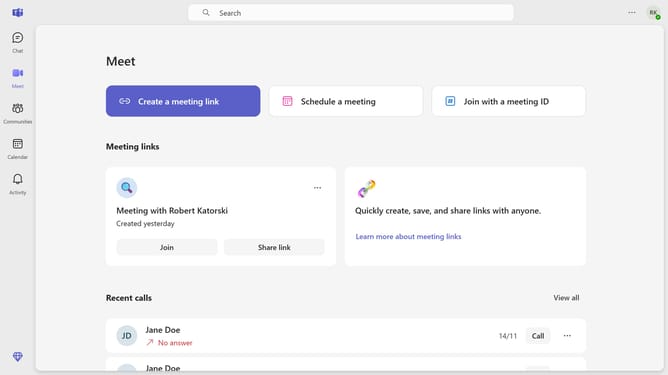
- First click on the "Chat" icon in the left sidebar
- Then click on the "More options" button (three dots) next to the message you want to block
- Next click on "Block" option in the dropdown menu
- Finally click on the "Block" button in the confirmation dialog
Why should you block a message in Microsoft Teams
Microsoft Teams, a collaboration hub, unites chat, video, and file sharing to enhance team productivity efficiently.
Blocking a message in Microsoft Teams helps maintain a clutter-free communication environment by reducing unwanted interruptions. This feature is beneficial for users aiming to stay focused by eliminating distracting or irrelevant messages, ensuring a streamlined workflow.
Preventing unwanted content allows teams to prioritize essential communication, promoting a productive and organized virtual workspace. By regulating message inflow, users benefit from improved concentration and efficient task completion.
Last update