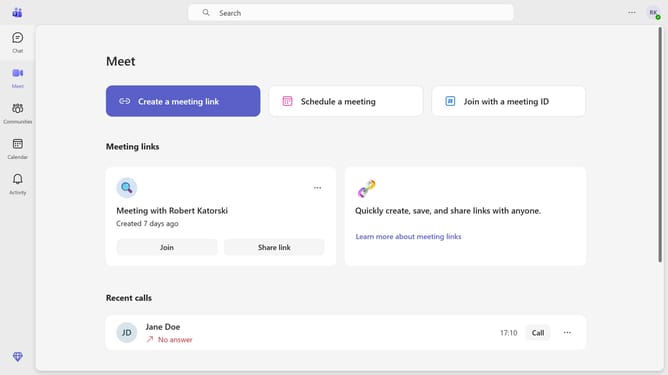
How to react to messages in Microsoft Teams
Here is how to react to messages in microsoft teams
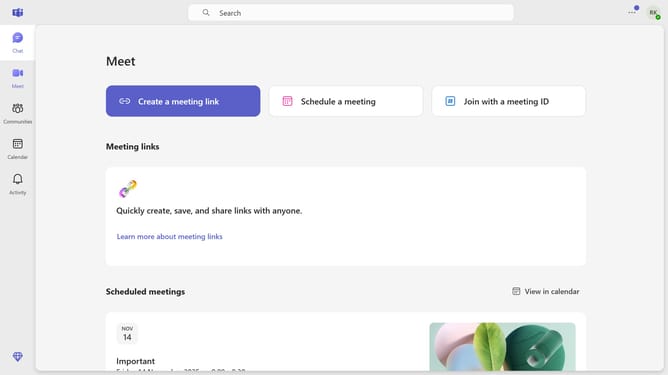
- First click on the "Chat" icon in the left sidebar
- Then click on the chat where you want to react to a message
- Next hover your mouse cursor over the message you want to react to
- Finally click on the reaction you want to use from the reactions menu
Why should you react to messages in Microsoft Teams
Microsoft Teams is a versatile platform designed to enhance collaboration and streamline communication within organizations.
One standout feature is the ability to react to messages, giving users a quick and efficient way to engage in conversations. Reactions allow team members to express agreement, approval, or emotional responses without interrupting the flow of discussion.
This feature fosters a more interactive and connected work environment, making interactions feel more engaging and personal. It's a simple yet powerful way to acknowledge messages, promoting a positive and cohesive team dynamic.
Last update