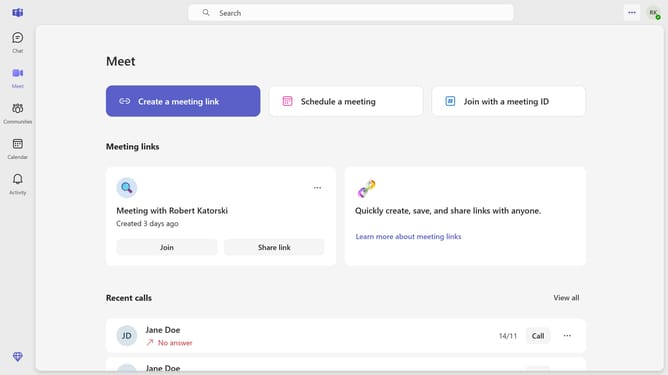
How to disable meet now start notifications in Microsoft Teams
Here is how to disable meet now start notifications in microsoft teams
- First click on the "More options" button in the top-right corner of the window
- Then click on "Settings" option from the dropdown menu
- Next click on "Notifications and activity" in the left sidebar menu
- Scroll down in the Notifications and activity settings menu
- Finally, in the "Meetings" section, click on the "Meet now start notifications" toggle to turn it off
Why should you disable meet now start notifications in Microsoft Teams
Microsoft Teams is a collaboration platform designed to facilitate seamless teamwork through chat, video, and file sharing.
One useful feature allows users to disable Meet Now start notifications, preserving focus and minimizing distractions. This feature is beneficial when uninterrupted work time is crucial, helping to enhance productivity and concentration.
By disabling these notifications, teams can maintain a quieter digital workspace, allowing users to engage fully in their current tasks without the interruption of meeting alerts.
Last update