How to set your status to appear away in Microsoft Teams
Here is how to set your status to appear away in microsoft teams
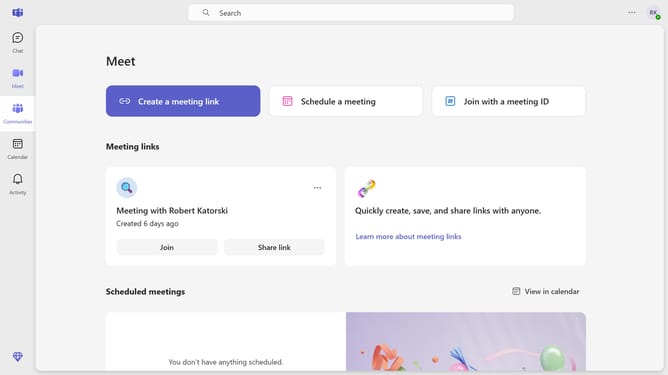
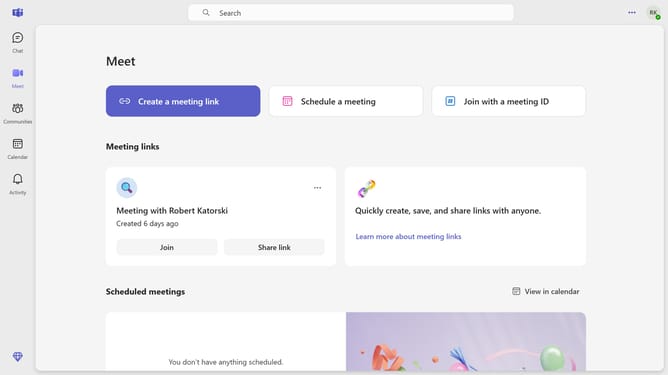
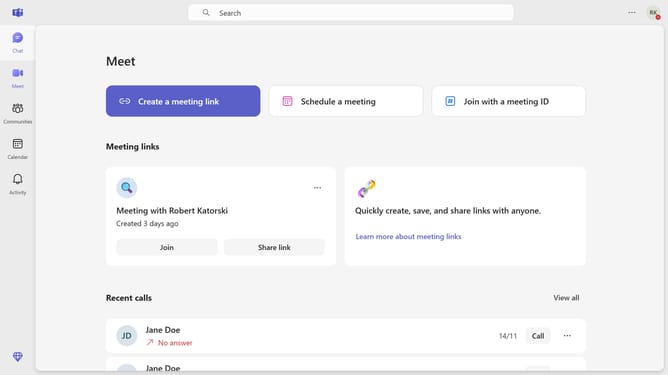
- First click on the settings icon in the top-right corner of the interface
- Then click on the status option from the dropdown menu
- Finally click on the "Appear away" icon from the dropdown option
Why should you set your status to appear away in Microsoft Teams
Microsoft Teams is a versatile collaboration platform designed to streamline communication and enhance productivity within teams.
Setting your status to appear away in Microsoft Teams is a helpful feature that allows you to create virtual boundaries.
This function is particularly beneficial when you need focused time without being disturbed by messages or calls, as it signals to your colleagues that you're presently unavailable.
Leveraging this feature ensures uninterrupted work sessions, enhancing both personal productivity and overall team efficiency.
Last update