How to cancel a series of a scheduled meeting in Microsoft Teams
Here is how to cancel a series of a scheduled meeting in microsoft teams
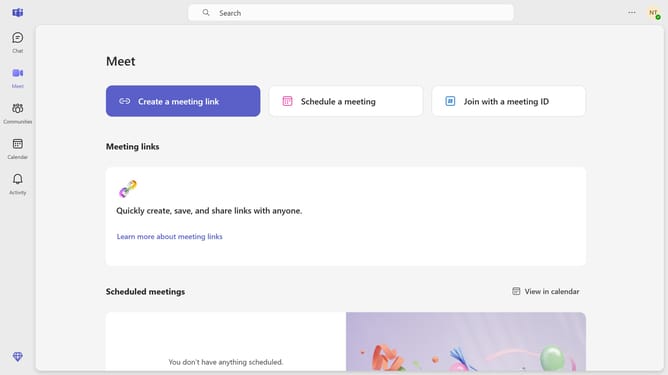
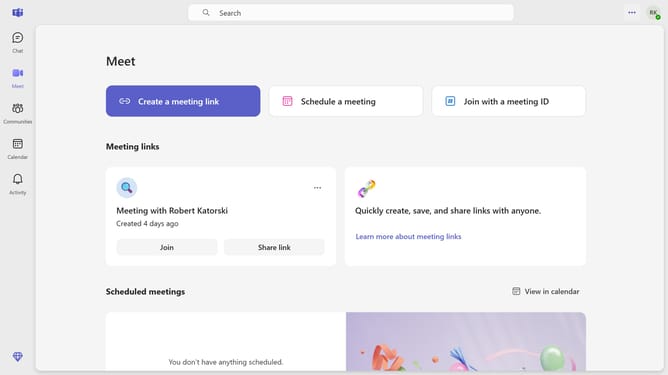
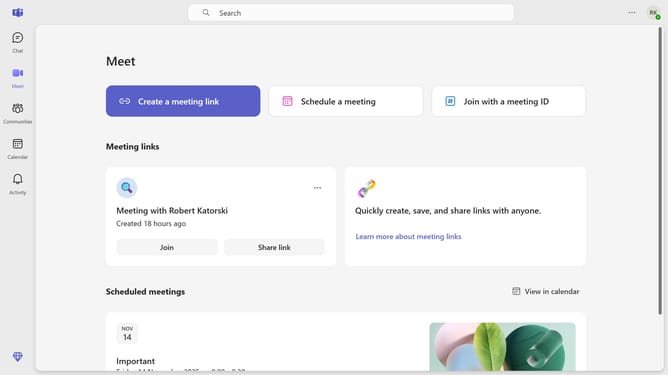
- First click on the "Meet" button in the toolbar
- Scroll down in the Meet menu
- Click on the scheduled meeting card for the series you want to cancel
- In the meeting details view, click on the "Cancel meeting" dropdown
- Select "Cancel series" option from the dropdown menu
- Finally click the "Cancel series" button in the confirmation dialog
Why should you cancel a series of a scheduled meeting in Microsoft Teams
Microsoft Teams is a versatile collaboration platform designed to seamlessly integrate communication and teamwork for businesses.
One of its convenient features is the ability to cancel an entire series of scheduled meetings with ease. This function is especially beneficial when a recurring meeting series needs adjustment or is no longer necessary.
Using this feature ensures that participants are kept informed of schedule changes, minimizing confusion and maintaining productivity. By keeping calendars tidy and up-to-date, it promotes efficient time management and a streamlined workflow.
Last update