How to unmute a chat in Microsoft Teams
Here is how to unmute a chat in microsoft teams
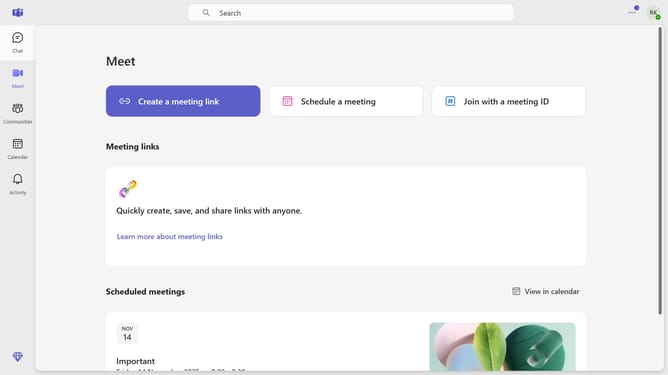
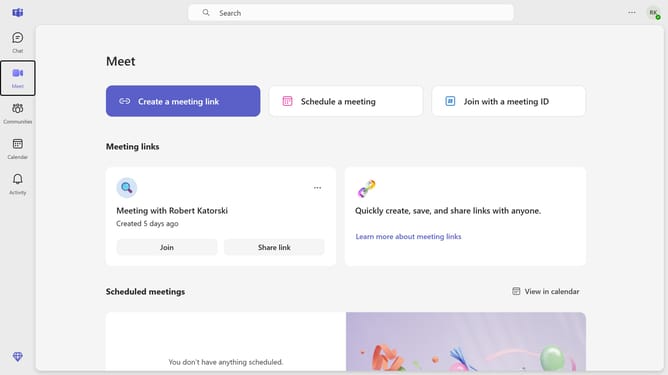
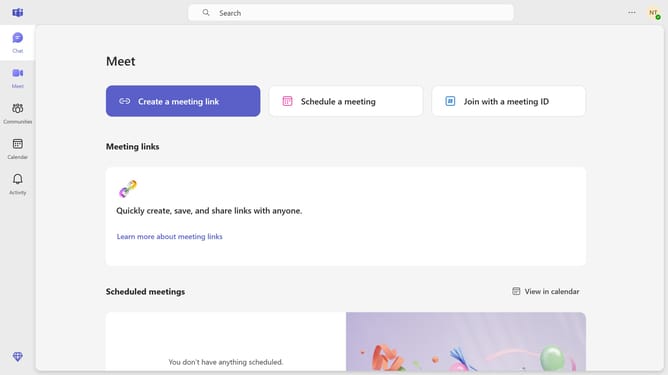
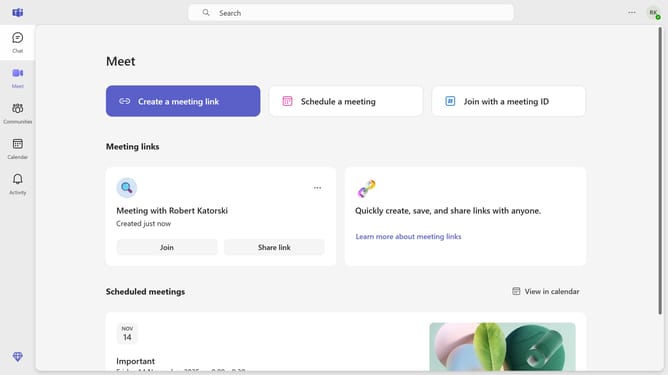
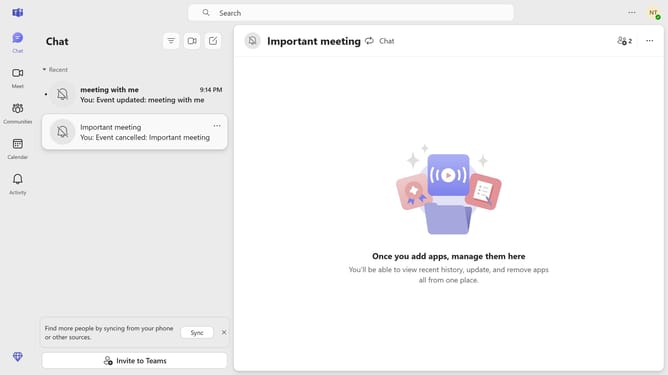
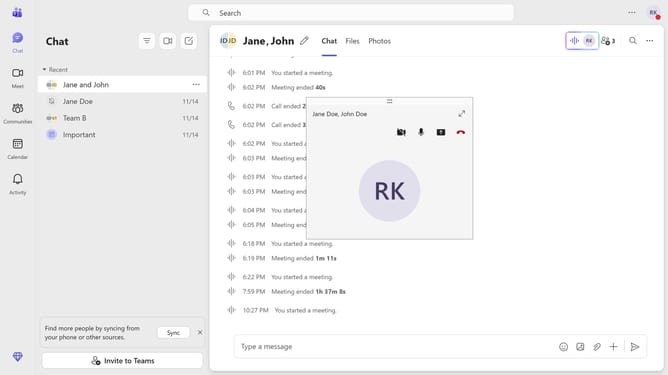
- First click on the "Chat" icon in the left sidebar menu
- Then click on the "More options" button (three dots) next to the message you want to unmute
- Finally click on "Unmute" option in the context menu
Why should you unmute a chat in Microsoft Teams
Microsoft Teams is a versatile collaboration platform designed to enhance teamwork through chats, meetings, and file sharing.
One standout feature is the ability to unmute chats, a useful tool for prioritizing important conversations without missing out on any vital information. Keeping chats unmuted ensures you are always in the loop on developments that matter.
Unmuting a chat in Microsoft Teams can significantly enhance productivity, as it helps you stay informed and responsive, fostering better communication and collaboration with your team.
Last update