How to enable notification sounds in Microsoft Teams
Here is how to enable notification sounds in microsoft teams
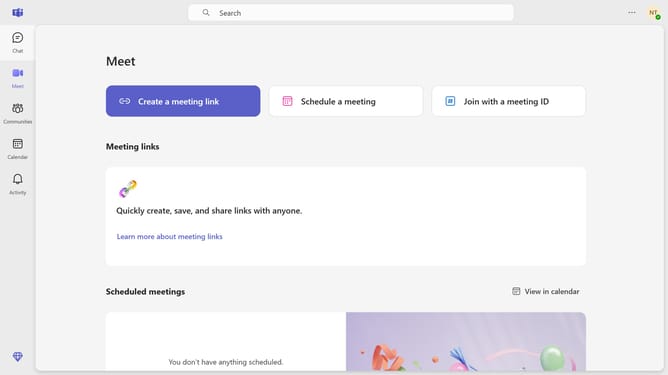
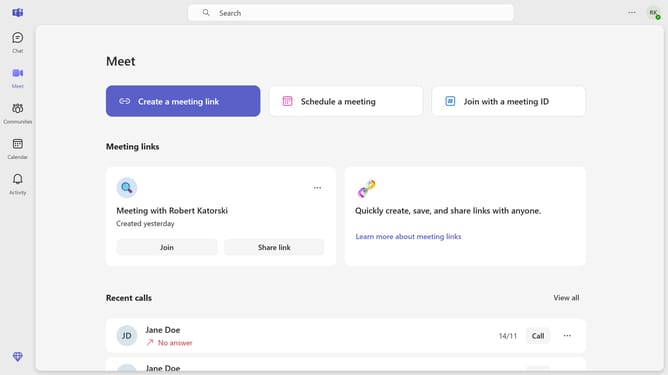
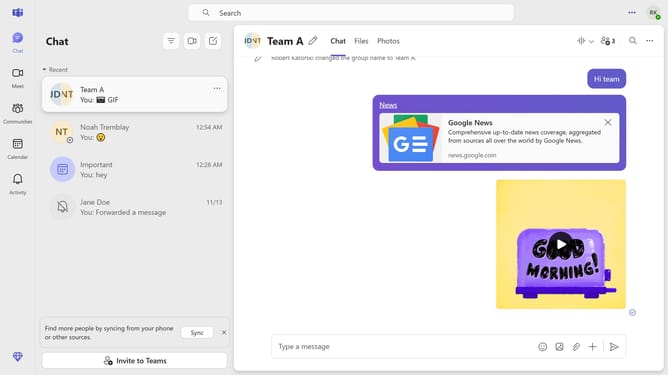
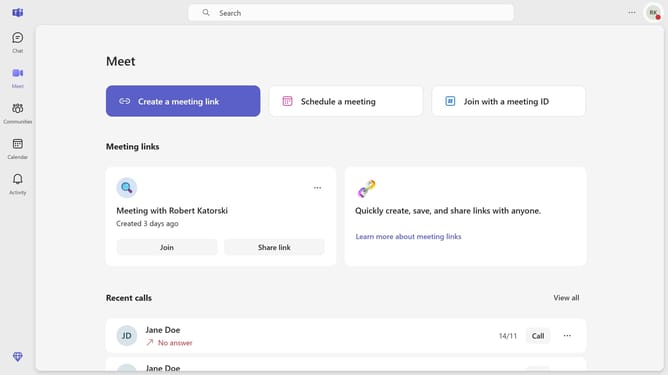
- First click on the "Settings" (three-dot icon) button in the top-right corner of the interface
- Then click settings from the dropdown menu
- Next click on "Notifications and activity" option in the settings sidebar
- Finally click the checkbox for "Play sounds with notifications" in the Notifications settings panel
Why should you enable notification sounds in Microsoft Teams
Microsoft Teams is a dynamic collaboration platform designed to enhance teamwork and communication.
Enabling notification sounds in Microsoft Teams ensures that you never miss an important update or message, enhancing your ability to stay informed and responsive.
Notification sounds serve as real-time alerts, allowing you to prioritize tasks efficiently and maintain smooth workflow. This feature adds a layer of personalization to your communication experience, ensuring that you stay connected without constant screen monitoring.
Overall, it provides peace of mind, knowing that you're always in the loop with your team.
Last update