How to chat with yourself in Microsoft Teams
Here is how to chat with yourself in microsoft teams
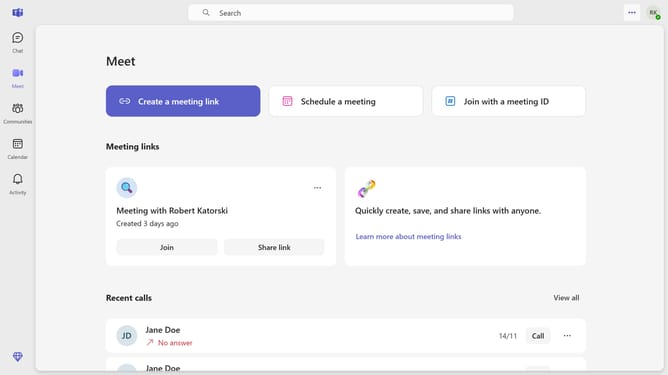
- First click on the "Chat" icon in the top navigation bar
- Then click on the "New chat" button in the top toolbar
- Click in the search field labeled "Enter name, email or phone number" and type in your email or name
- Click in the message input field at the bottom that says "Type a message" and type in the message you want to save as a draft
- Using this method can help you create drafts by using your chat space to send messages and files to yourself or explore chat features more effectively
Why should you chat with yourself in Microsoft Teams
Microsoft Teams is a powerful collaboration platform designed to streamline communication and teamwork.
One of its clever features allows you to chat with yourself, acting as a personal note-taking space within the app. Thought of an idea during a meeting? Simply jot it down in your chat for quick and easy access later.
This self-chat feature is perfect for organizing tasks, storing important links, and brainstorming alone, ensuring everything is kept in one easily accessible place.
Last update