How to stop translating messages in selected languages in Microsoft Teams
Here is how to stop translating messages in selected languages in microsoft teams
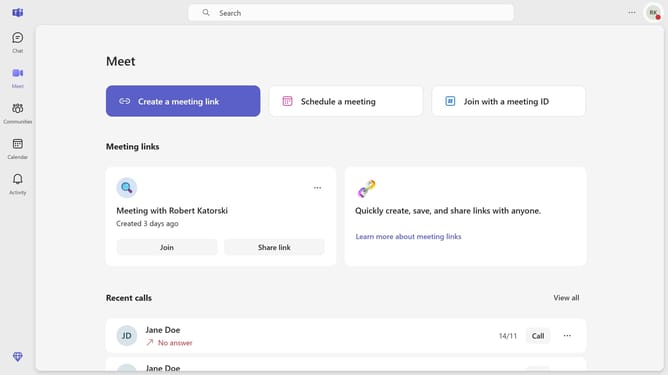
- First click on the three-dot icon in the top-right corner of the screen
- Then click "Settings" from the dropdown button
- Then click "How to handle messages in other languages" arrow dropdown menu
- Finally, select "Never Translate" from the translation options dropdown menu
Why should you stop translating messages in selected languages in Microsoft Teams
Microsoft Teams is a versatile platform that revolutionizes team communication and collaboration.
One of its useful features is the ability to stop translating messages in selected languages, allowing users to maintain the original context and cultural nuances. This is particularly beneficial for professionals working in multinational environments where preserving the authenticity of communication is crucial.
By using this feature, users can ensure more accurate and respectful interactions, enhancing the overall quality of communication and strengthening cross-cultural relations.
Last update