How to show gallery at the top on a meeting call in Microsoft Teams
Here is how to show gallery at the top on a meeting call in microsoft teams
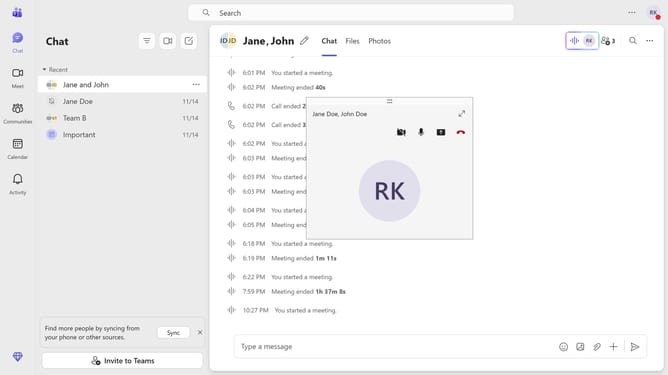
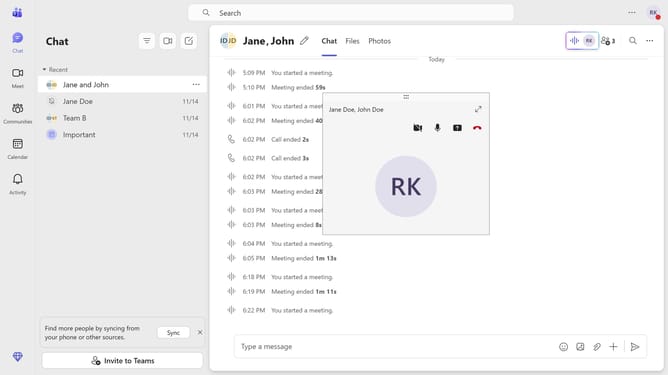
- First, click the Maximize button on the meeting call you are currently in
- Then click on the "View" button in the top meeting controls toolbar
- Next click on the "More options" menu item in the View dropdown menu
- Finally click on the "Show gallery at top" option in the expanded menu
Why should you show gallery at the top on a meeting call in Microsoft Teams
Microsoft Teams is a versatile platform designed to enhance collaboration and streamline communication.
A standout feature is the ability to show the gallery view at the top during a meeting call, which fosters better engagement and focus. By enabling this view, participants have a clear visual connection with colleagues, making discussions more interactive.
This feature enhances team dynamics and ensures all voices are heard, creating a more inclusive meeting experience. Using the gallery at the top facilitates smoother teamwork and more effective communication.
Last update