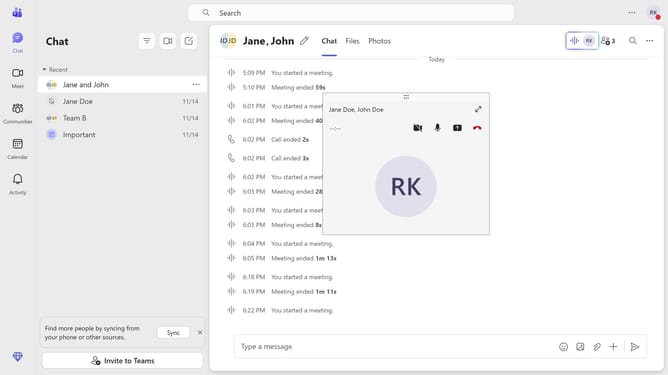
How to pin a message in Microsoft Teams
Here is how to pin a message in microsoft teams
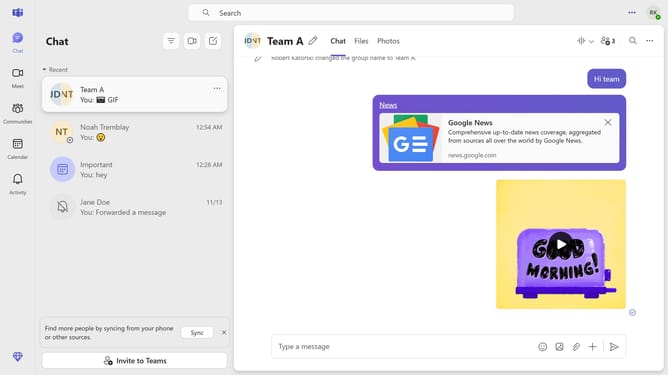
- First click on the "Chat" button in the top navigation menu
- Then click on the "More options" button (three dots) next to the message you want to pin
- Finally click on the "Pin" option in the dropdown menu
Why should you pin a message in Microsoft Teams
Microsoft Teams is a collaborative platform designed to streamline communication and teamwork within organizations.
Pinning a message in Microsoft Teams allows you to keep important information readily accessible at the top of a chat or channel.
This feature is particularly useful for highlighting key messages, ensuring that crucial instructions, updates, or resources are not lost in the flood of daily conversations.
By pinning messages, team members can more easily stay on the same page, fostering greater efficiency and clarity in their communication.
Last update