How to change the notification position to the top left in Microsoft Teams
Here is how to change the notification position to the top left in microsoft teams
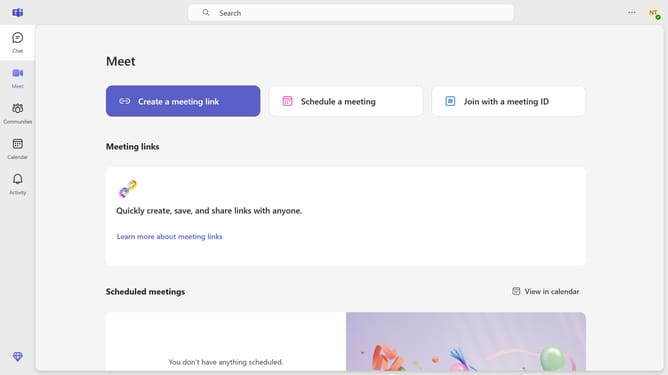
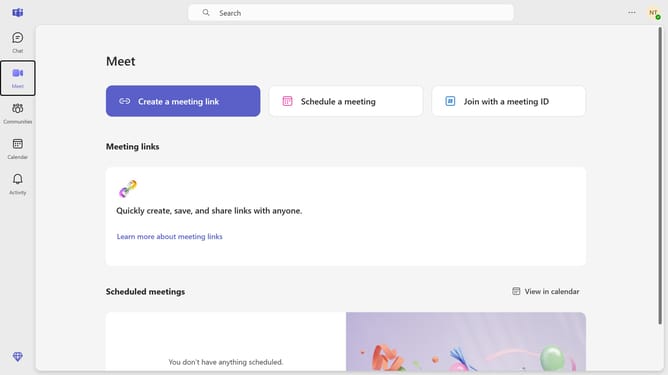
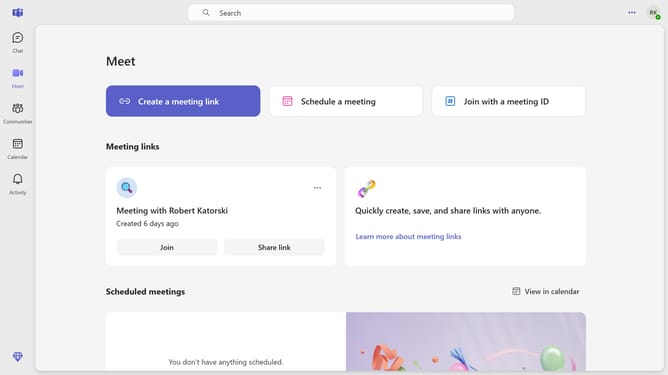
- First click the "More options" button in the top-right corner of the interface
- Then click "Settings" from the dropdown menu
- Click on "Notifications and activity" option in the Settings menu
- Scroll down in the Notifications and activity settings
- Finally select the "Top left" position option for notifications placement
Why should you change the notification position to the top left in Microsoft Teams
Microsoft Teams is a versatile collaboration platform designed to enhance teamwork and streamline communication within organizations.
Adjusting notification settings to appear in the top left corner improves your workflow by ensuring alerts are seen without intruding on main tasks.
This feature can prevent you from missing critical updates while allowing uninterrupted access to other applications. Customizing notification placement supports personal workflow preferences, keeping digital interactions smooth and efficient.
Last update