How to mark a message as unread in Microsoft Teams
Here is how to mark a message as unread in microsoft teams
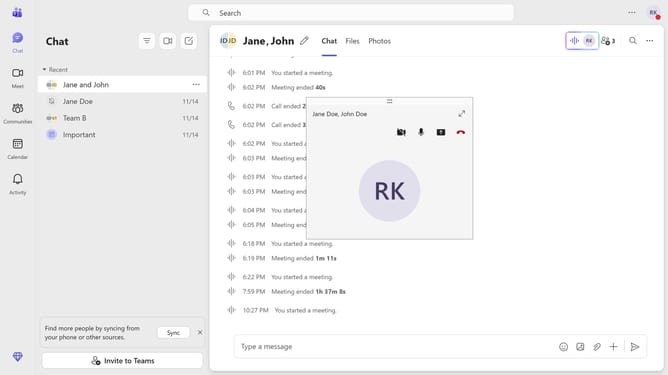
- First click on the "Chat" icon in the left sidebar
- Then click the "More options" button (three dots) next to the message you want to mark as unread
- Finally click on "Mark as unread" option in the dropdown menu
Why should you mark a message as unread in Microsoft Teams
Microsoft Teams is a collaborative platform designed to streamline workplace communication and enhance team productivity.
One valuable feature of Microsoft Teams is the ability to mark a message as unread. This simple action allows users to effortlessly return to important conversations that require later attention, ensuring nothing gets overlooked.
Utilizing the mark as unread feature helps in managing priorities effectively and keeps your workflow organized. It empowers users to maintain focus, improving both efficiency and productivity in team communication.
Last update