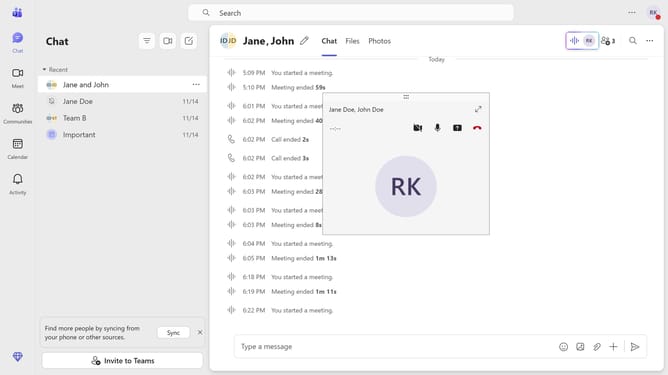
How to disable flagging of repeated words in Microsoft Teams
Here is how to disable flagging of repeated words in microsoft teams
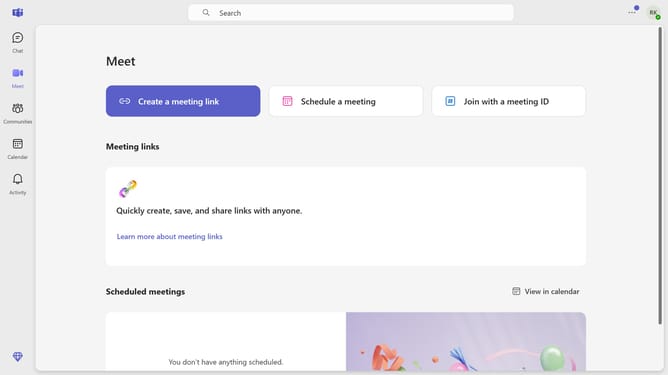
- First click the three-dot button in the top-right corner of the window
- Then click the "Settings" from the dropdown menu
- Next scroll down in the General settings
- Finally uncheck the checkbox for "Flag repeated words" in the General settings section
Why should you disable flagging of repeated words in Microsoft Teams
Microsoft Teams is a versatile communication platform designed to enhance collaboration and productivity within organizations.
A handy feature within Teams allows users to disable the flagging of repeated words. This can be particularly beneficial in environments where specific jargon or phrases are used frequently and repetitively, without the need for correction.
By disabling this feature, users can focus more on the content and flow of the conversation, reducing distractions and enhancing the overall communication experience within Teams.
Last update