How to raise your hand during a meeting call in Microsoft Teams
Here is how to raise your hand during a meeting call in microsoft teams
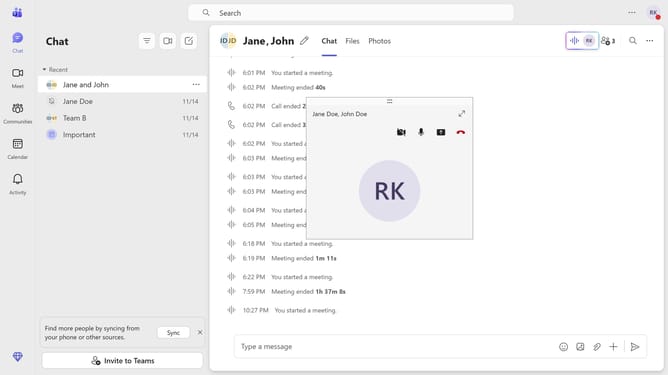
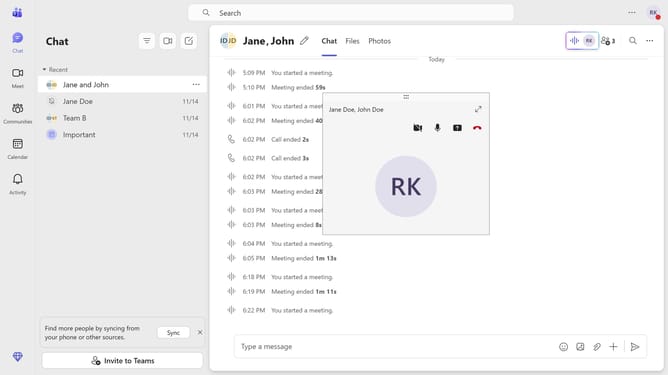
- First, click the Maximize button on the meeting call you are currently in
- Then click on the "Raise" button in the top meeting toolbar to raise your hand during the meeting
- Finally click on the "People" button in the top meeting toolbar to view if there are other who raised their hands
Why should you raise your hand during a meeting call in Microsoft Teams
Microsoft Teams is a dynamic platform designed to streamline collaboration and communication in professional environments.
The "raise hand" feature in Microsoft Teams allows participants to signal that they wish to speak during a meeting call without interrupting the current dialogue.
This fosters a more organized and respectful discussion, ensuring everyone has the opportunity to contribute.
By using this feature, users can effectively participate in meetings, enhancing both engagement and productivity.
Last update