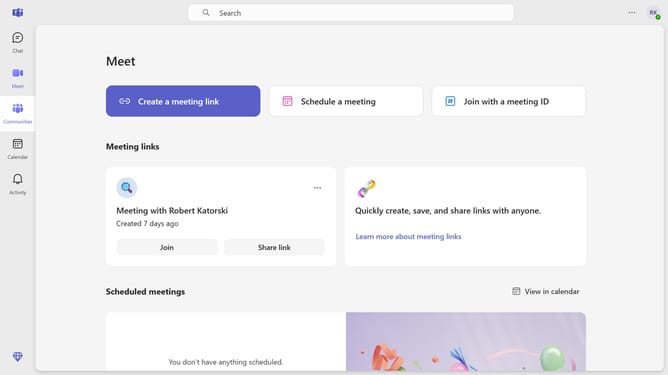
How to view people in a group chat in Microsoft Teams
Here is how to view people in a group chat in microsoft teams
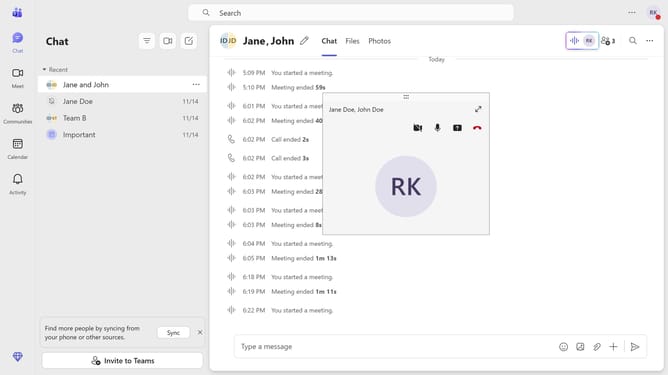
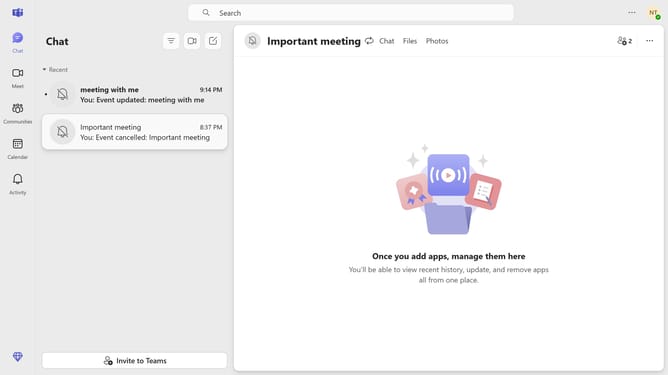
- First click on the "Chat" button in the left sidebar
- Then click on the group chat where you want to view the people
- Finally, click the "Add participants" button in the top-right corner of the chat window to view the people in the group chat
Why should you view people in a group chat in Microsoft Teams
Microsoft Teams is a dynamic collaboration hub designed to streamline workplace communication.
One standout feature is the ability to view people in a group chat. This makes it seamless to see who's participating in conversations, enhancing team collaboration.
Understanding group composition can drive more meaningful interactions, ensuring effective communication strategies. This feature promotes transparency and helps keep track of important contributors, making every chat more productive and engaging.
Last update