How to show mentions in activity and banner in Microsoft Teams
Here is how to show mentions in activity and banner in microsoft teams
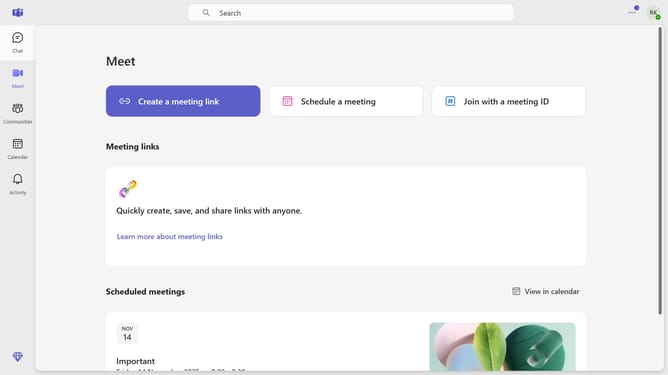
- First click on the settings menu icon in the top-right corner of the Teams window
- Then click on "Settings" from the dropdown menu
- Next click on the "Notifications and activity" option in the Settings sidebar menu
- Then scroll down in the Notifications and activity settings menu
- Next click on the dropdown menu for "Chat message notifications" to expand the options
- Finally select "Show in banner" from the chat notifications dropdown menu
Why should you show mentions in activity and banner in Microsoft Teams
Microsoft Teams, a collaborative platform, streamlines communication and teamwork across organizations.
Displaying mentions in your activity and banner in Microsoft Teams keeps you updated on conversations that matter. This feature ensures you never miss crucial interactions by alerting you when you are mentioned, allowing timely and effective responses.
Staying informed helps you engage proactively, fostering better collaboration with your team. It’s a simple yet powerful way to maintain productivity and communication efficiency in a busy work environment.
Last update