How to filter chats by meetings in Microsoft Teams
Here is how to filter chats by meetings in microsoft teams
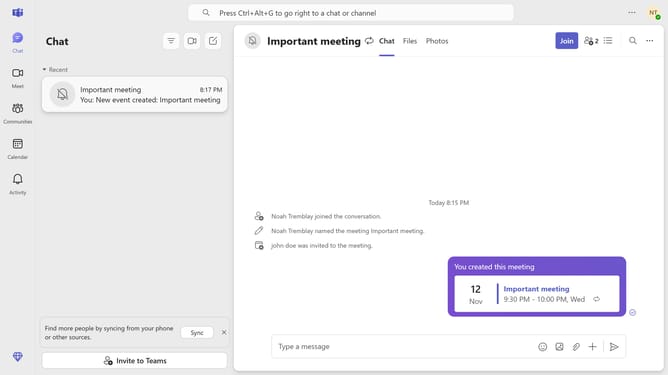
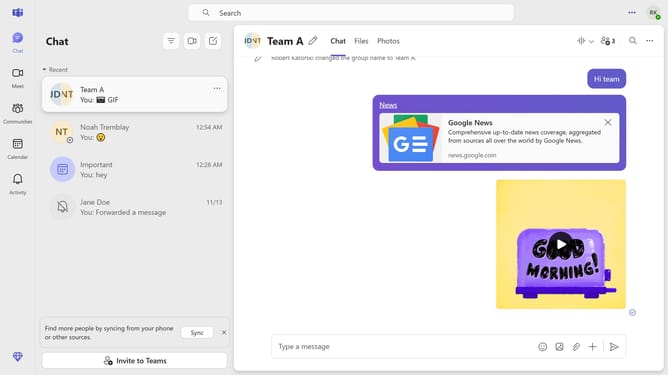
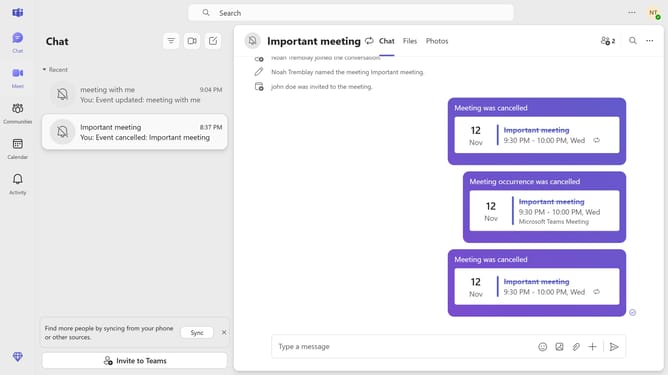
- First click on the "Chat" icon in the top toolbar
- Next click on the three horizontal lines at the top
- Then click on the filter icon in the chat header to access filtering options
- Finally select the "Meetings" from the dropdown menu
Why should you filter chats by meetings in Microsoft Teams
Microsoft Teams is a dynamic communication platform that fosters collaboration and enhances productivity within teams.
The "filter chats by meetings" feature in Microsoft Teams allows users to efficiently organize their conversations by highlighting discussions related to scheduled meetings.
This feature proves invaluable in streamlining communication, ensuring that critical meeting-related exchanges are readily accessible, thus saving time and fostering a more focused work environment.
By adopting this feature, teams can easily prioritize their communications, resulting in increased clarity and improved workflow.
Last update