How to change a community description in Microsoft Teams
Here is how to change a community description in microsoft teams
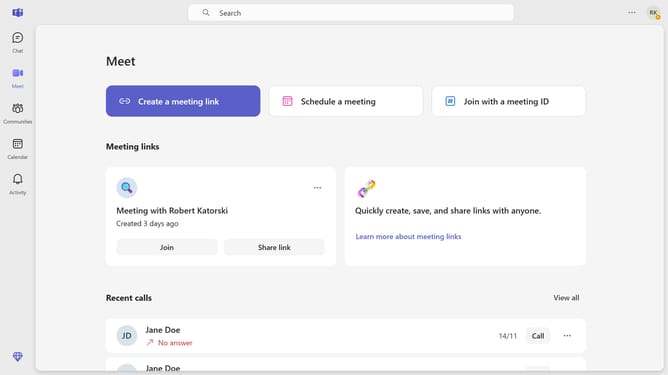
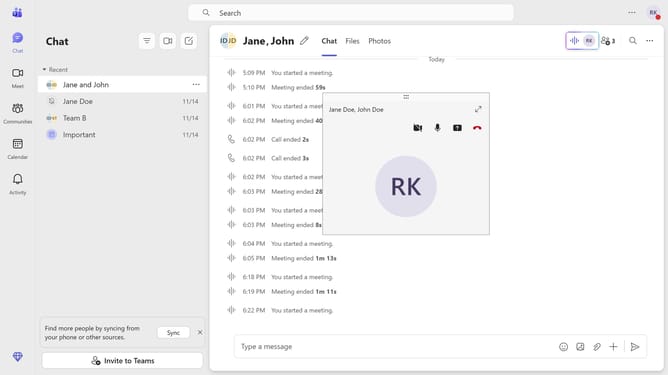
- First click on the "Communities" button in the left sidebar
- Then click on the more options menu (three dots) next to "The professionals" community in the left sidebar
- Next click on "Edit community" option from the dropdown menu
- Then click on the "Description (optional)" text field and enter the community description
- Finally click on the "Save" button at the bottom right of the dialog
Why should you change a community description in Microsoft Teams
Microsoft Teams is a versatile collaboration platform that brings people together to communicate and collaborate efficiently.
Changing a community description in Microsoft Teams is a simple feature that allows teams to refine how they present themselves to members and external participants.
By updating the description, teams can ensure clarity and alignment with their objectives, making it easier for new and existing members to understand the group's focus.
This feature promotes transparency and helps foster a sense of community by keeping everyone informed and engaged.
Last update