How to filter chats by muted status in Microsoft Teams
Here is how to filter chats by muted status in microsoft teams
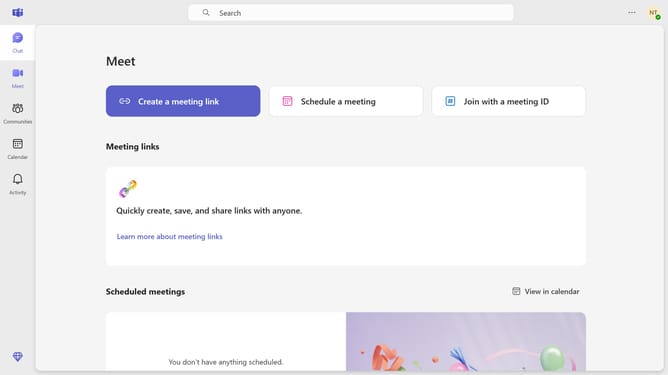
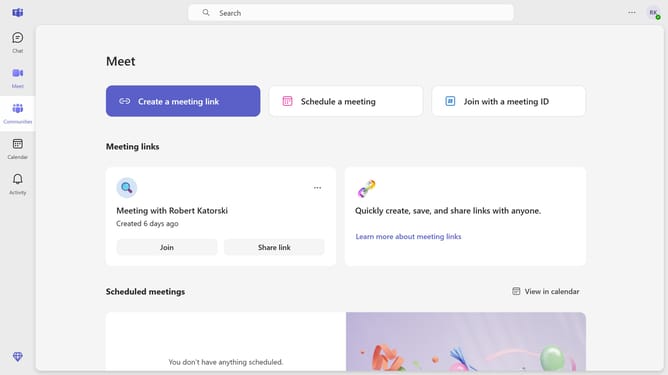
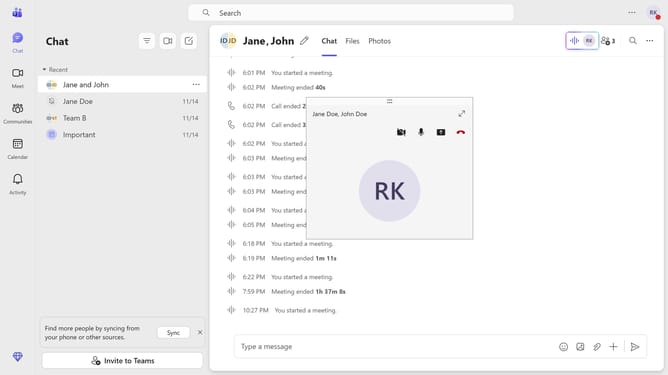
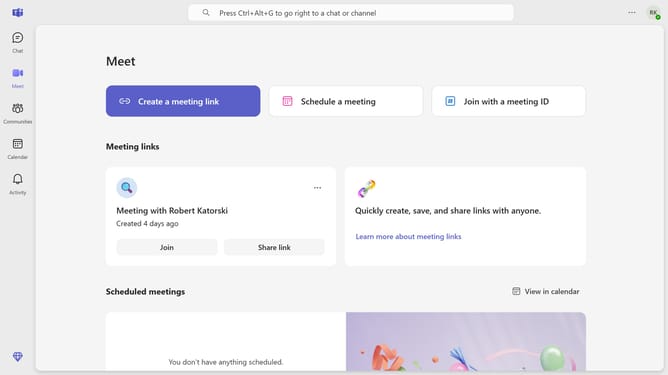
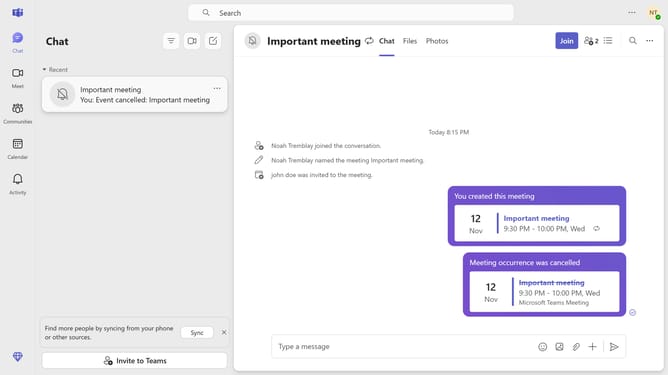
- First click on the "Chat" button in the top navigation bar
- Then click the three horizontal lines at the top
- Next click on the filter icon in the top toolbar to open filtering options
- Finally click on the "Muted" option in the filter dropdown menu
Why should you filter chats by muted status in Microsoft Teams
Microsoft Teams is a versatile collaboration platform designed to help teams communicate effectively.
Filtering chats by muted status in Microsoft Teams allows users to streamline their communication process.
This feature is particularly useful in managing notification overload by focusing on essential conversations.
By effortlessly distinguishing between muted and active chats, users can prioritize their time and attention, enhancing productivity and reducing distractions.
Last update