How to disable the enter or spacebar key to show content in Microsoft Teams
Here is how to disable the enter or spacebar key to show content in microsoft teams
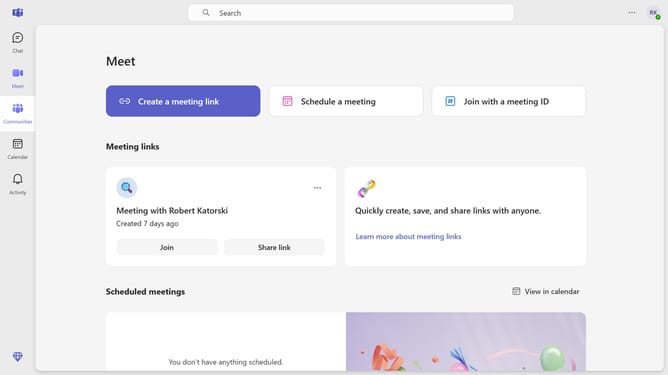
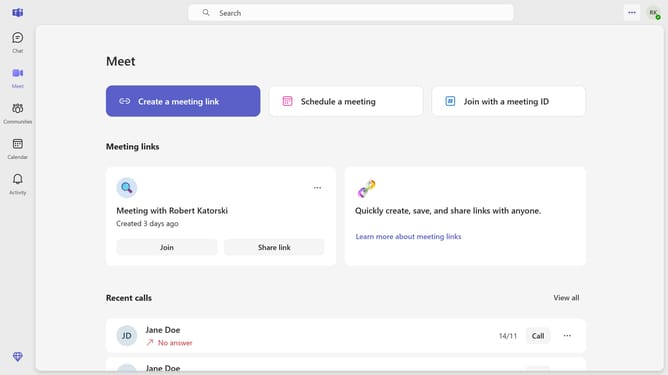
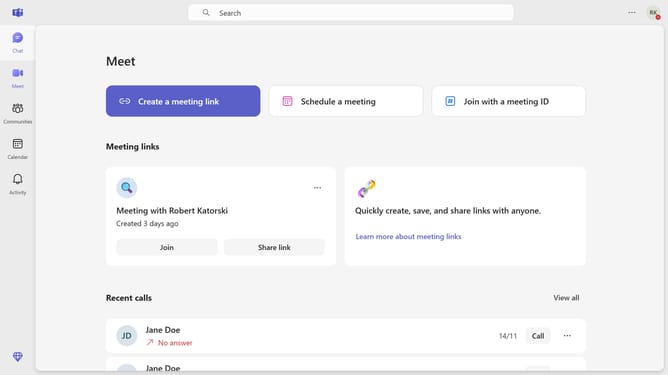
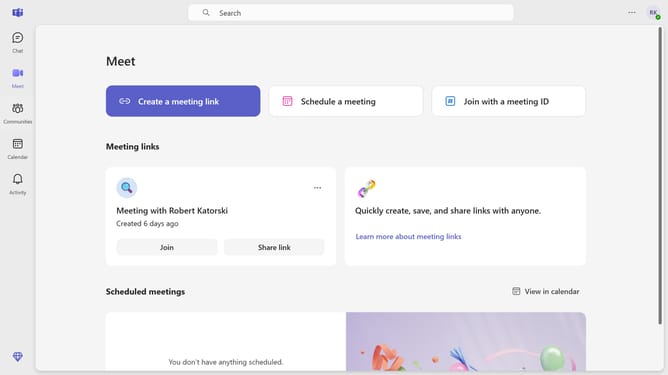
- First click the options menu button in the top-right corner of the Teams window
- Then click on the "Settings" option in the dropdown menu
- Scroll down in the General settings menu
- Finally toggle "Use Enter or Spacebar to show content" option to off in the General settings panel
Why should you disable the enter or spacebar key to show content in Microsoft Teams
Microsoft Teams is a dynamic collaboration platform designed to streamline communication and teamwork.
Disabling the enter or spacebar key to show content in Microsoft Teams enhances user control, ensuring messages are sent only when you're ready. This feature is especially beneficial for preventing accidental submissions of incomplete thoughts or data, maintaining professionalism and clarity in communication.
By customizing key functionalities, users experience improved accuracy and message management, leading to more efficient and effective collaboration within the Teams environment.
Last update