How to create a new community link in Microsoft Teams
Here is how to create a new community link in microsoft teams
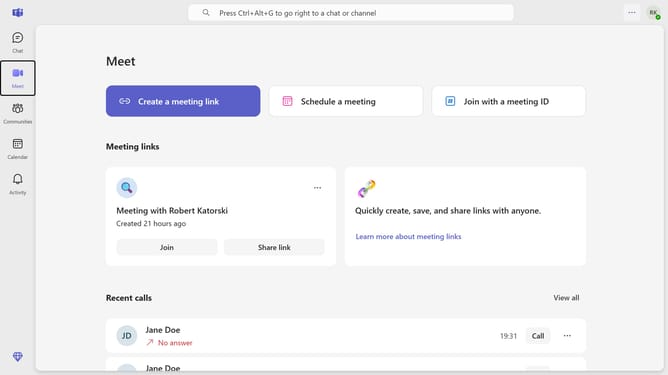
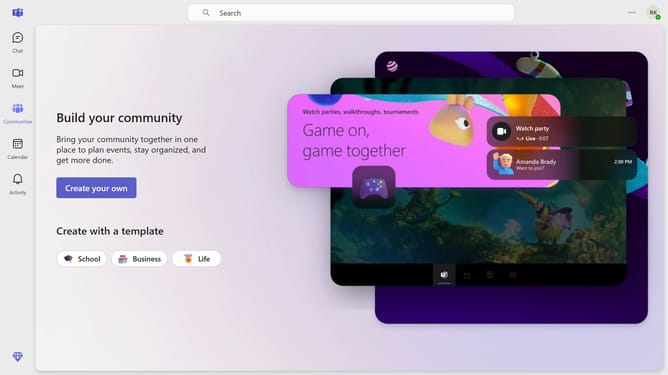
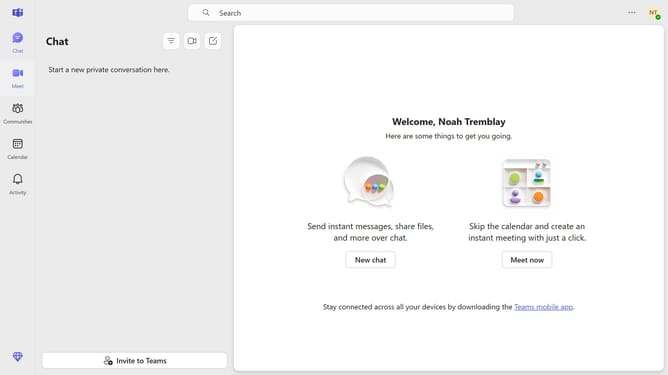
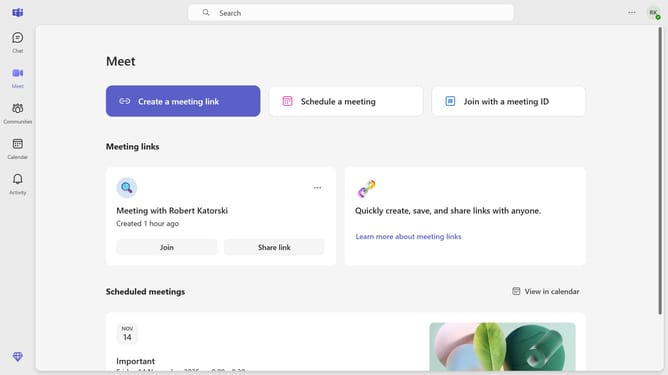
- First click on the "Communities" icon in the left sidebar
- Then click the channel in the communities list where you want to create a new link
- Next click on the settings icon in the top right corner
- Then click on "Settings" tab in the channel header
- Next click on "Create new link" button in the Link settings section
- Finally click on "Copy" button to copy the new community link
Why should you create a new community link in Microsoft Teams
Microsoft Teams is an intuitive platform designed to foster seamless communication and collaboration within organizations.
Creating a new community link in Microsoft Teams connects like-minded individuals, enabling enhanced collaboration and shared knowledge.
This feature is instrumental for promoting active engagement and building a robust network within any team.
By leveraging community links, users can easily access relevant groups, leading to streamlined information sharing and a more connected workplace.
Last update