How to join a meeting in Microsoft Teams
Here is how to join a meeting in microsoft teams
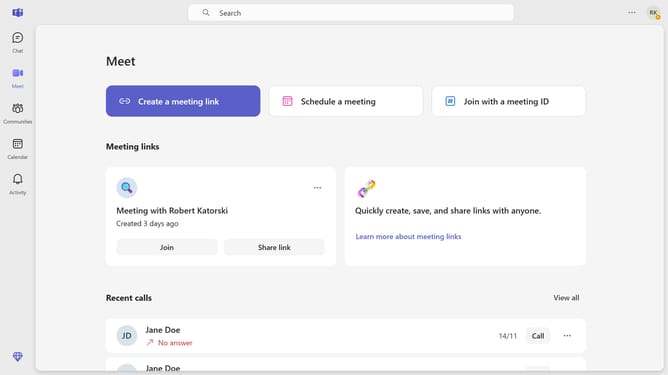
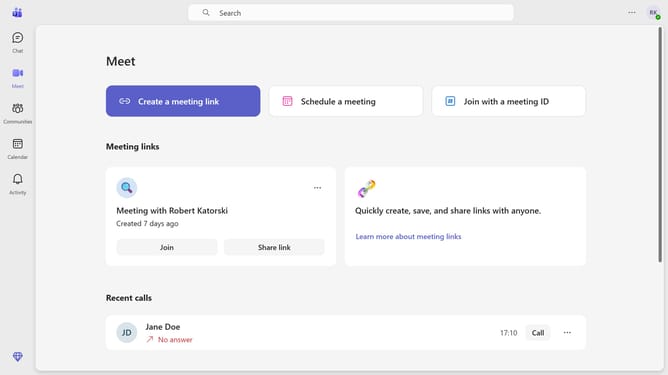
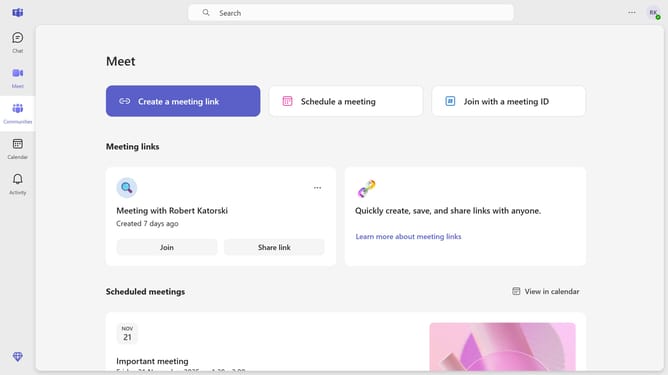
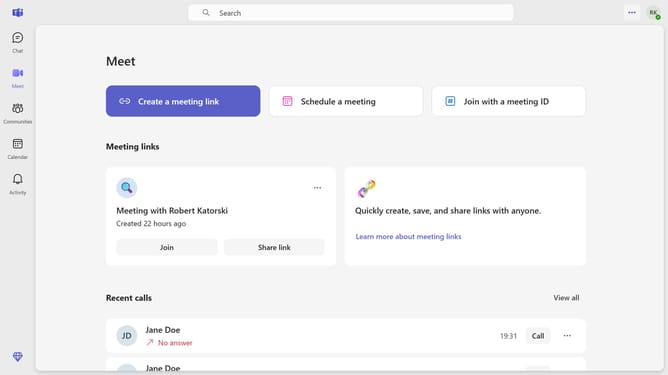
- First click on the "Meet" icon in the left sidebar to open meeting options
- Then click the "Join" button under the the meeting that you want to join
- In the audio settings panel, click the toggle switch next to your microphone device to enable it
- Next click the toggle button next to the camera icon to turn it on
- Finally click the "Join now" button to enter the meeting
Why should you join a meeting in Microsoft Teams
Microsoft Teams is a collaborative platform designed to streamline communication and enhance productivity across teams.
Joining a meeting in Microsoft Teams is a seamless experience that connects team members from various locations at the click of a button.
This feature fosters real-time collaboration, providing access to crucial discussions and brainstorming sessions irrespective of geographical barriers.
The ease of joining ensures that collaborations remain uninterrupted, promoting efficient work dynamics and optimal productivity.
Last update