How to view people on a meeting call in Microsoft Teams
Here is how to view people on a meeting call in microsoft teams
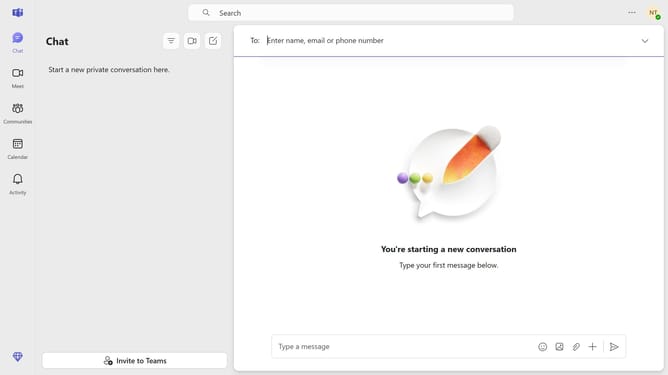
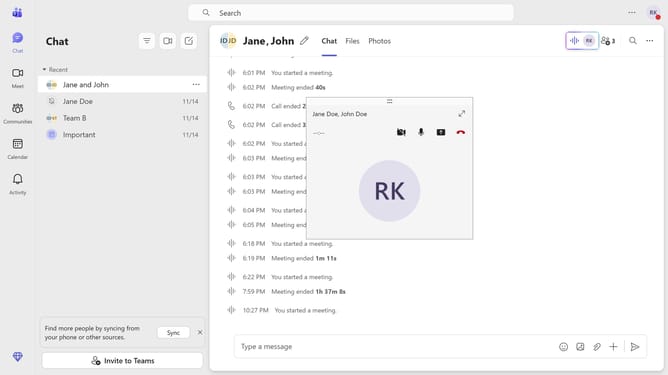
- First click on the "Chat" button in the left sidebar to navigate to the chat section
- Then click a group chat in the recent chats list
- Next click on the "Meet now" button in the top right area of the chat header
- Then click on the maximize button in the meeting call
- Finally click on the "People" button in the top meeting controls toolbar
Why should you view people on a meeting call in Microsoft Teams
Microsoft Teams is a dynamic collaboration hub for cohesive team communication and seamless connectivity.
One of the powerful features of Microsoft Teams is viewing people on a meeting call, allowing users to maintain a strong visual connection with their colleagues.
This feature enhances interaction and engagement by enabling participants to see each other's expressions and reactions, reinforcing the sense of presence even in virtual settings.
By effortlessly displaying a gallery of participants, Microsoft Teams fosters a more inclusive and collaborative atmosphere, essential for productive meetings.
Last update