How to leave community in Microsoft Teams
Here is how to leave community in microsoft teams
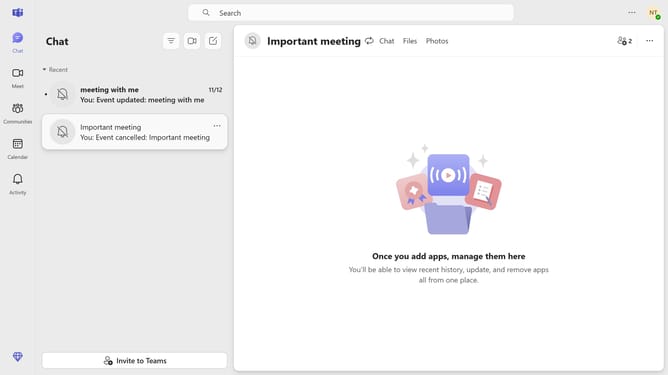
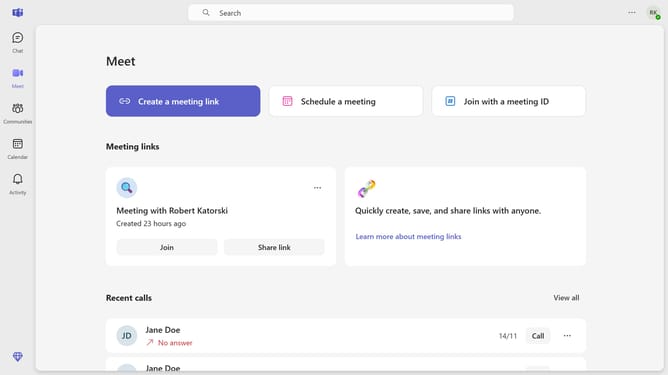
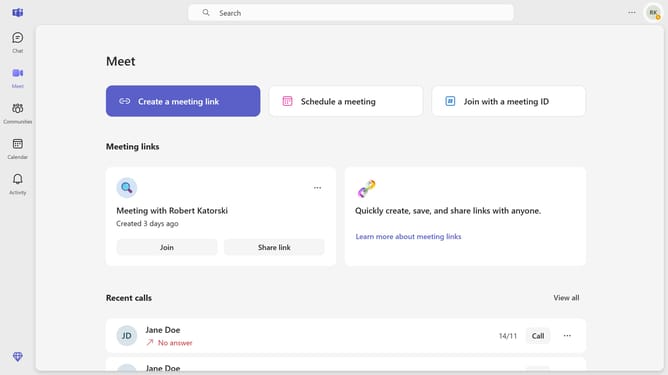
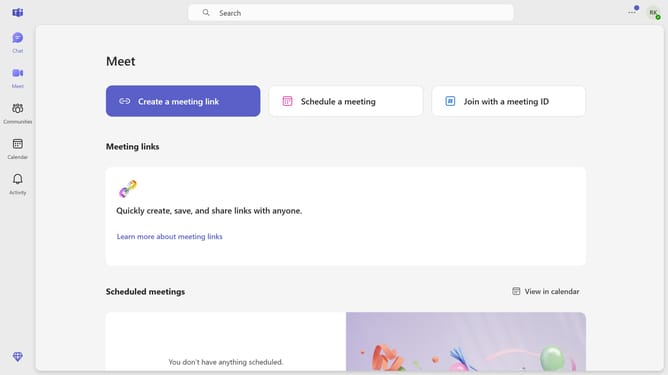
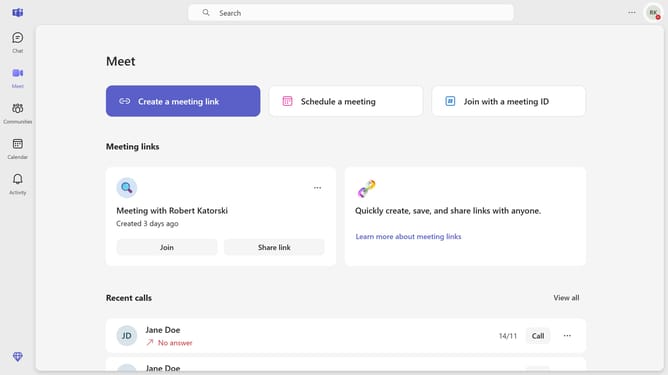
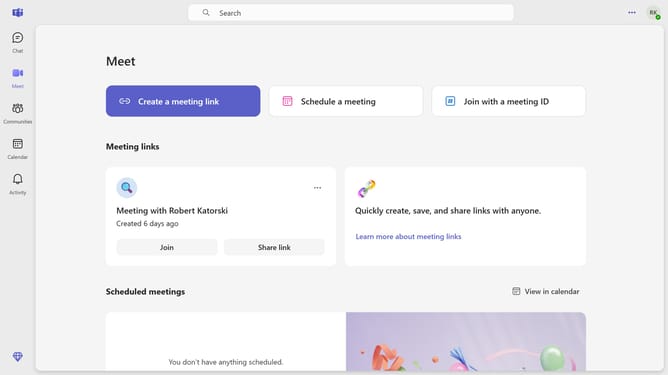
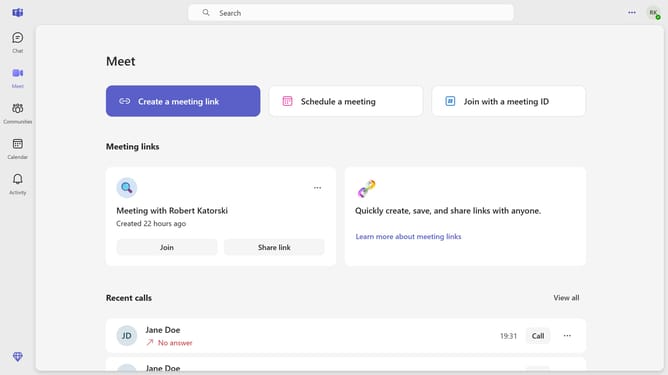
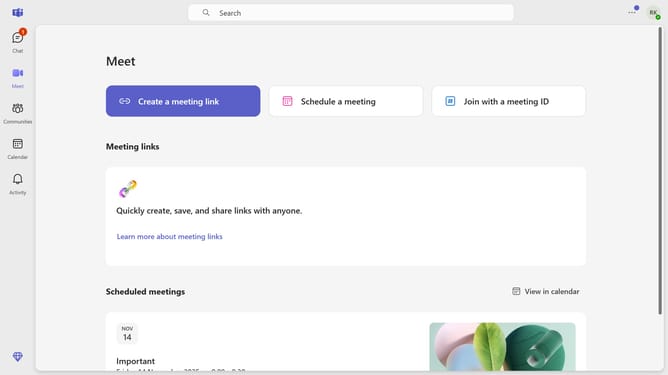
- First click on the "Communities" button in the left sidebar
- Then click on the "More options" button (three dots) next to the a community you want to leave in the left sidebar
- Next click on the "Leave community" option in the dropdown menu
- Finally click on the "Leave" button in the confirmation dialog
Why should you leave community in Microsoft Teams
Microsoft Teams is an all-in-one collaborative platform designed to foster seamless communication and teamwork.
The option to leave a community in Microsoft Teams empowers users with control over their participation, ensuring their involvement only where their presence adds value.
Utilizing this feature helps streamline notifications and declutter your digital workspace, enhancing focus on projects and interactions that truly matter.
By thoughtfully managing your communities, you not only optimize your time but also nurture a more productive and engaged environment.
Last update