How to forward a message in Microsoft Teams
Here is how to forward a message in microsoft teams
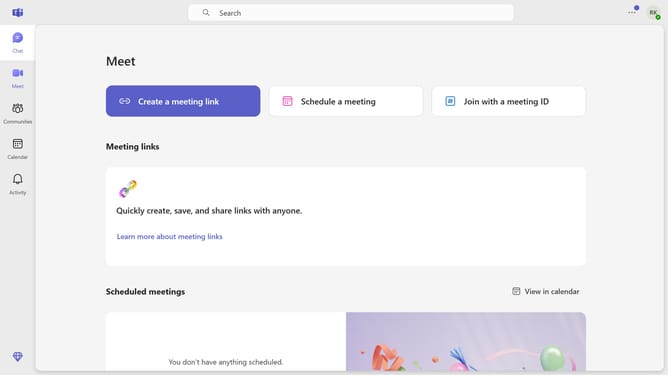
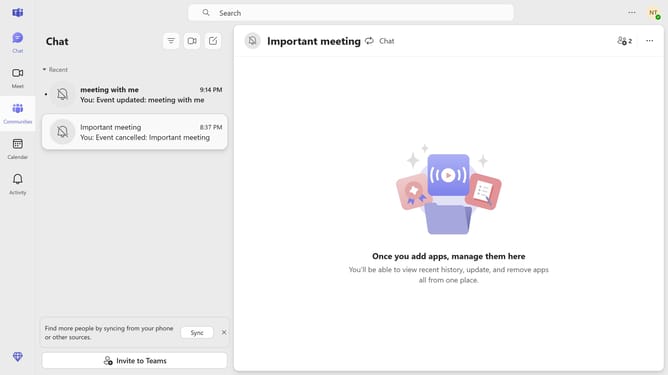
- First click on the "Chat" icon in the left sidebar
- Then click a conversation in the chat list
- Hover your mouse cursor over the message you want to forward
- Click on the "..." (more options) button next to the message
- Select "Forward" from the dropdown menu
- In the forward dialog, click on the recipient field labeled "Enter name, email or phone number" and type in the recipients information
- Finally click the "Forward" button to send the message
Why should you forward a message in Microsoft Teams
Microsoft Teams is a powerful collaboration platform designed to streamline communication and enhance productivity.
Forwarding a message in Microsoft Teams is a feature that makes sharing essential information with colleagues seamless and efficient.
This functionality saves time by allowing users to send messages directly to individuals or groups, reducing the need for repetitive typing or copy-pasting.
Utilizing this feature ensures that key messages are communicated swiftly, keeping the team informed and aligned.
Last update