How to change the notification position to the bottom left in Microsoft Teams
Here is how to change the notification position to the bottom left in microsoft teams
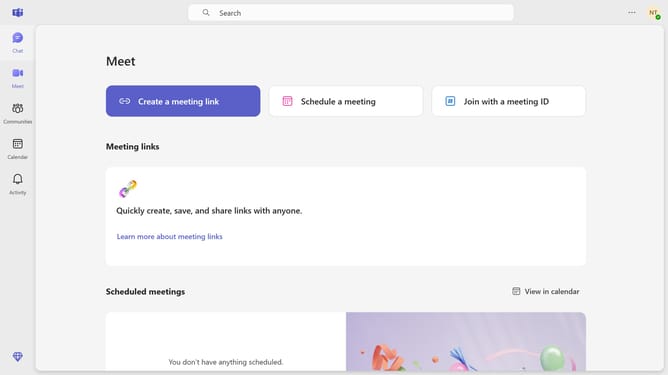
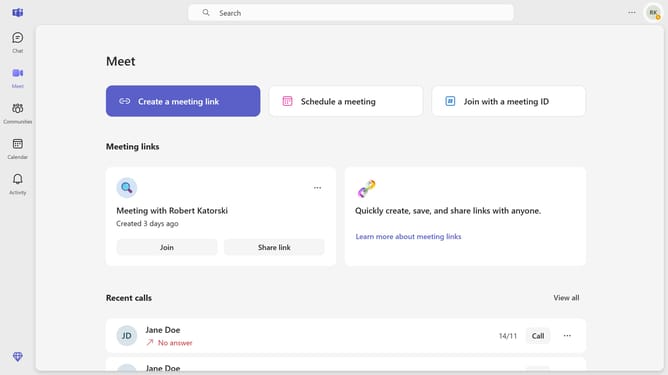
- First click on the options menu icon in the top right corner of the main window
- Then click on "Settings" from the dropdown menu
- Next click on "Notifications and activity" in the settings sidebar
- Then scroll down in the Notifications and activity settings
- Finally click on "Bottom left" position option for notification placement
Why should you change the notification position to the bottom left in Microsoft Teams
Microsoft Teams is a dynamic collaboration hub designed to enhance productivity through seamless communication and teamwork.
Adjusting the notification position to the bottom left in Microsoft Teams allows users to manage alerts without disrupting their workflow. This subtle but effective customization ensures that notifications remain visible yet unobtrusive, supporting a smoother multitasking experience.
By positioning alerts where they are less likely to interfere with primary tasks, users can enjoy a more focused and organized digital workspace, enhancing overall efficiency and concentration.
Last update