How to enable community invites in Microsoft Teams
Here is how to enable community invites in microsoft teams
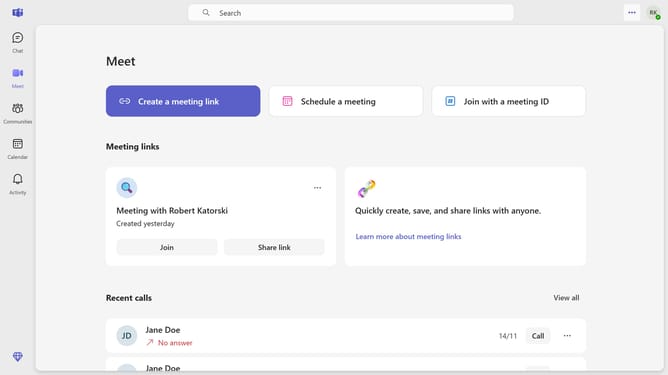
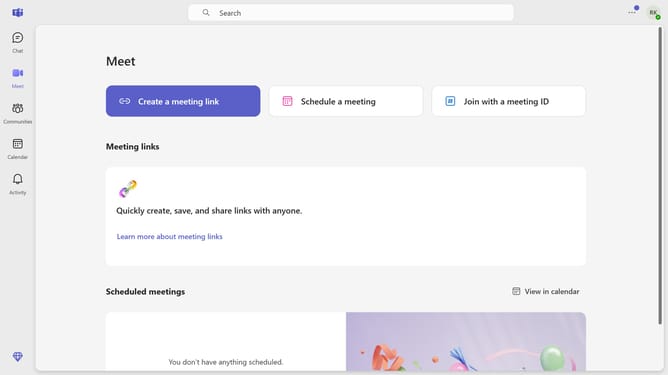
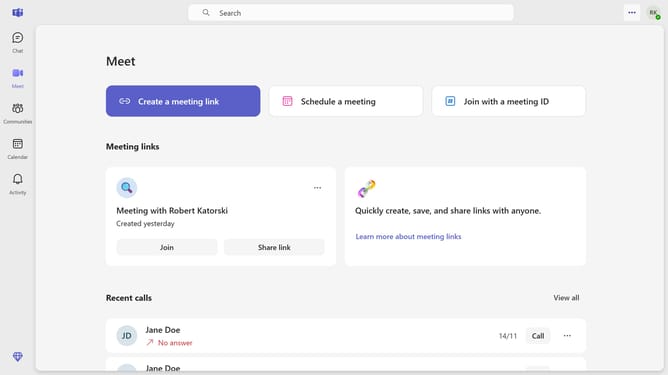
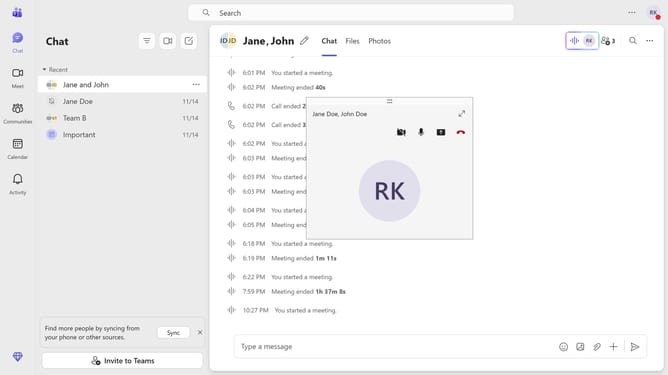
- First click on the settings menu button in the top-right corner of the screen
- Then click "Settings" from the dropdown menu
- Next click on "Notifications and activity" in the settings sidebar menu
- Scroll down in the Notifications and activity settings menu
- Finally click the switch for the "Community invites" under the Community Emails section to turn it on
Why should you enable community invites in Microsoft Teams
Microsoft Teams is a versatile communication platform designed to enhance collaboration within organizations.
Enabling community invites in Microsoft Teams is a powerful feature that facilitates inclusivity and expands the circle of interaction beyond immediate team members.
This feature allows for seamless integration of external collaborators, creating a more dynamic and diverse environment within your workspace.
By leveraging community invites, organizations can foster a broader exchange of ideas and streamline collaborative efforts, ultimately driving productivity and innovation.
Last update