How to keep the app bar visible when resizing in Microsoft Teams
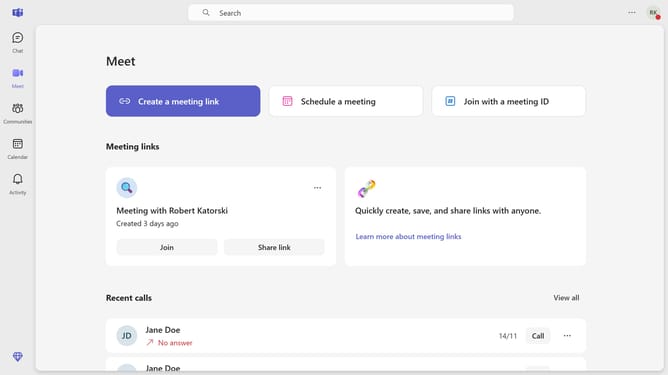
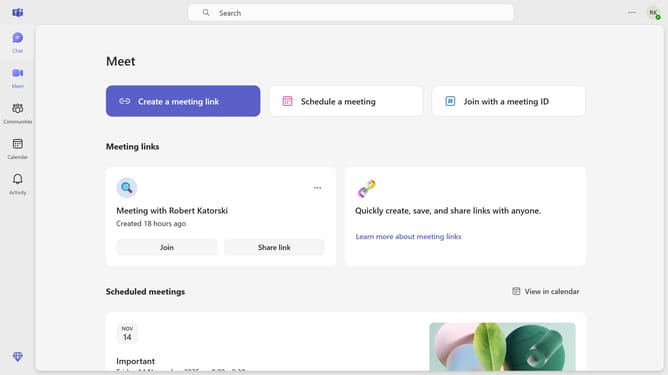
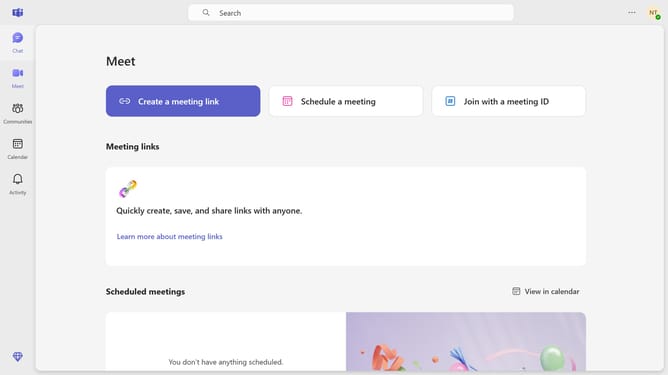
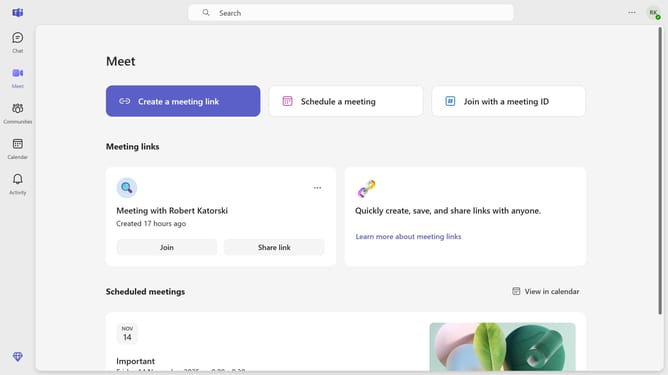
Here is how to keep the app bar visible when resizing in microsoft teams
- First click on the settings menu three-dot icon in the top-right corner of the Teams window
- Then click on "Settings" from the dropdown menu
- Scroll down in the General settings menu
- Finally toggle the "Keep the app bar visible when resizing" option in the General settings panel
Why should you keep the app bar visible when resizing in Microsoft Teams
Microsoft Teams is a collaborative platform designed to enhance teamwork through seamless conversations and dynamic integration.
Among its many features, Microsoft Teams offers the ability to keep the app bar visible while resizing the window. This functionality ensures that critical tools and tabs remain easily accessible, even when adjusting your screen for multitasking.
Maintaining the app bar's visibility not only optimizes workflow but also enhances user efficiency by preventing disruptions. It allows you to navigate seamlessly, ensuring that productivity remains uninterrupted.
Last update