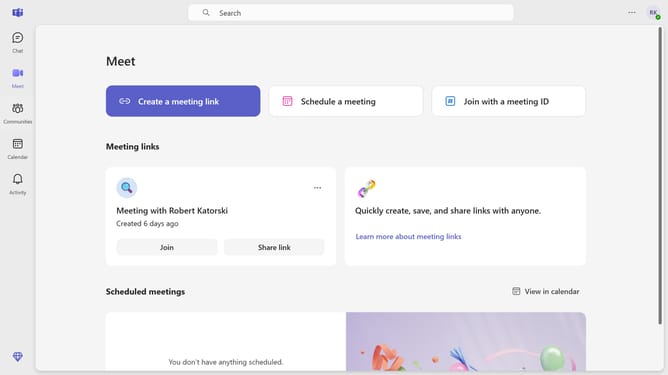
How to add a skin tone to your reactions in Microsoft Teams
Here is how to add a skin tone to your reactions in microsoft teams
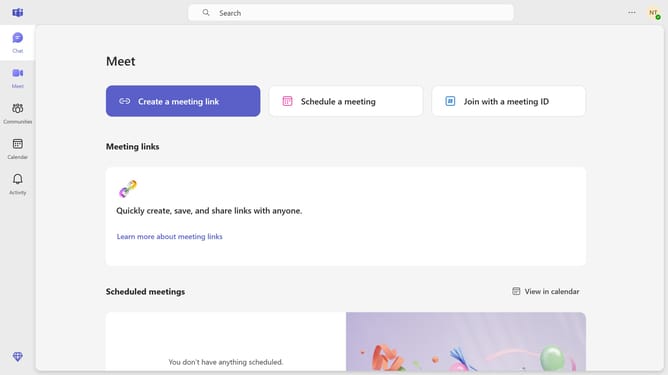
- First click on the "Chat" button in the top navigation bar
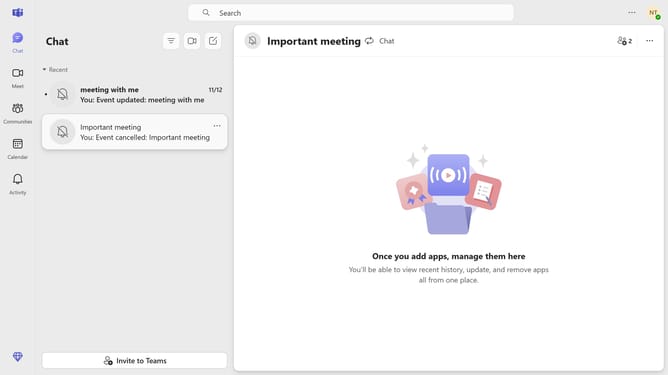
- Then click a conversation in the chat list
- Next click on the emoji button in the message compose area
- Then select the "Emoji" tab in the emoji picker panel
- Click on the emoji category selector button in the emoji picker
- Select your preferred skin tone option from the skin tone selector
- Finally click the "Save" button to apply the selected emoji preferences
Why should you add a skin tone to your reactions in Microsoft Teams
Microsoft Teams is a versatile platform designed to streamline team communication and collaboration.
One of its inclusive features allows users to customize the skin tone of their reactions. This ensures your digital expressions better reflect your individuality, enhancing authenticity in conversations.
By personalizing your experience, you contribute to a more diverse and engaging digital workspace. This feature not only promotes inclusivity but also helps foster deeper connections among team members.
Last update