How to add people to a group chat in Microsoft Teams
Here is how to add people to a group chat in microsoft teams
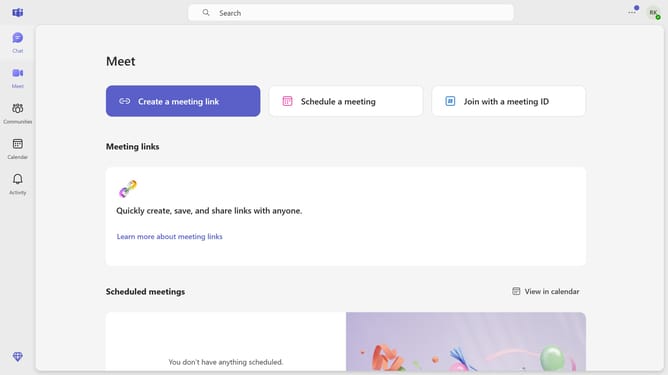
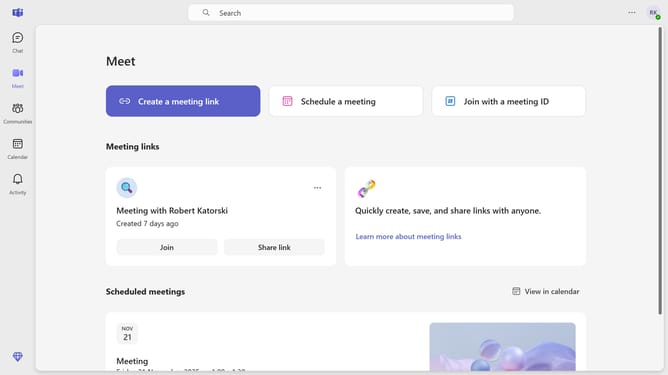
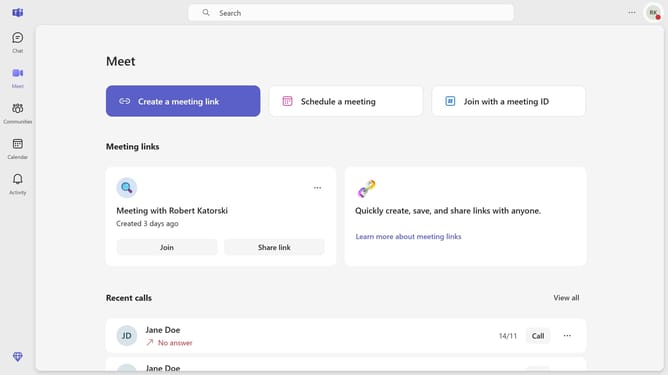
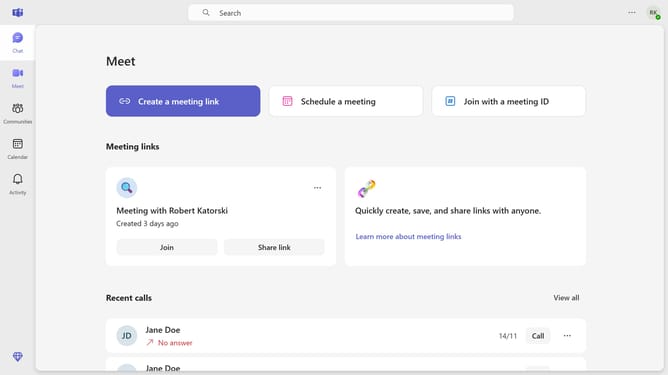
- First click on the "Chat" icon in the left sidebar
- Then, click on the group chat where you want to add people
- Next click on the "People" icon in the top-right corner of the chat window
- Then click on "Add people" option in the dropdown menu
- Next, click on the "Enter name, email, or phone number" text field and type the name, email, or phone number of the people you want to add
- Finally click the "Add" button to add the selected person to the team
Why should you add people to a group chat in Microsoft Teams
Microsoft Teams is a dynamic platform designed to enhance workplace collaboration through seamless communication.
Adding people to a group chat in Microsoft Teams is a straightforward feature that significantly enhances team interaction. This capability allows new collaborators to join ongoing conversations effortlessly, promoting inclusivity and ensuring that everyone stays informed.
Utilizing this feature not only fosters a more collaborative environment but also saves time by consolidating communication, making it easier for team members to coordinate efforts and share critical insights.
Last update