How to mute a chat in Microsoft Teams
Here is how to mute a chat in microsoft teams
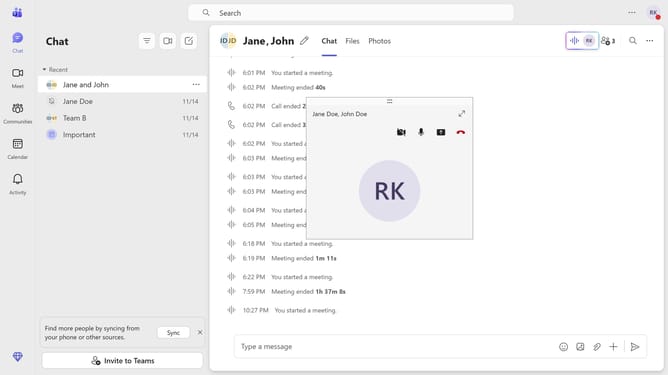
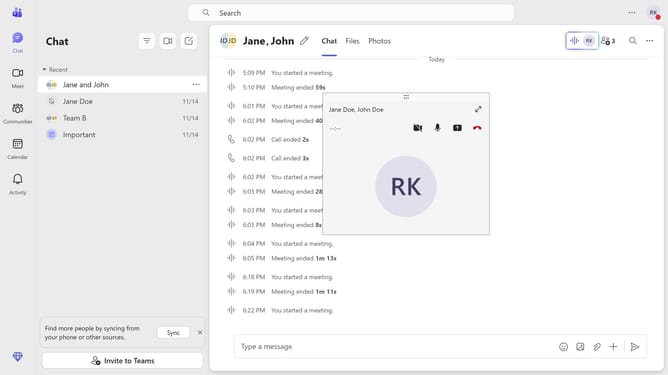
- First click on the "Chat" icon in the top navigation bar
- Then click on the "More options" menu (three dots) next to the chat you want to mute
- Finally click on the "Mute" option in the dropdown menu to hide the selected message
Why should you mute a chat in Microsoft Teams
Microsoft Teams is a dynamic collaboration platform designed to streamline communication and teamwork.
Muting a chat in Microsoft Teams is a handy feature for managing notifications effectively, ensuring that important conversations stay prioritized while minimizing distractions from less urgent threads.
By muting specific chats, users can enhance focus during critical work tasks, maintaining productivity without frequent interruptions.
Embracing this feature helps foster a more controlled and serene digital workspace, allowing individuals to tailor their notification preferences seamlessly.
Last update