How to change your nickname in a community in Microsoft Teams
Here is how to change your nickname in a community in microsoft teams
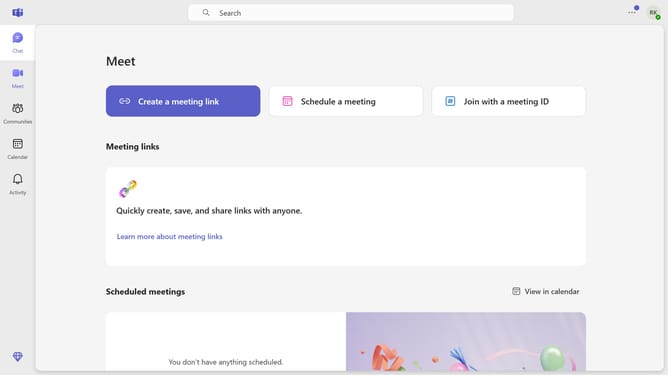
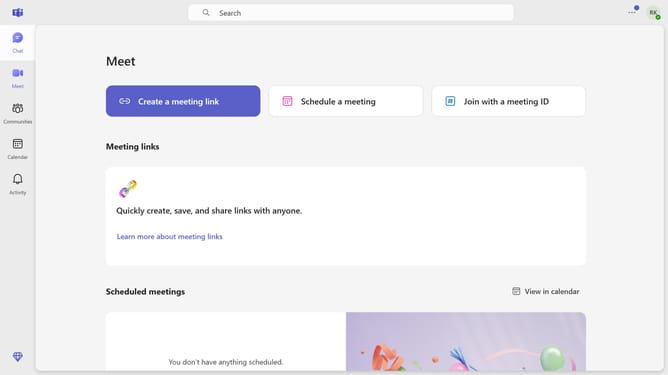
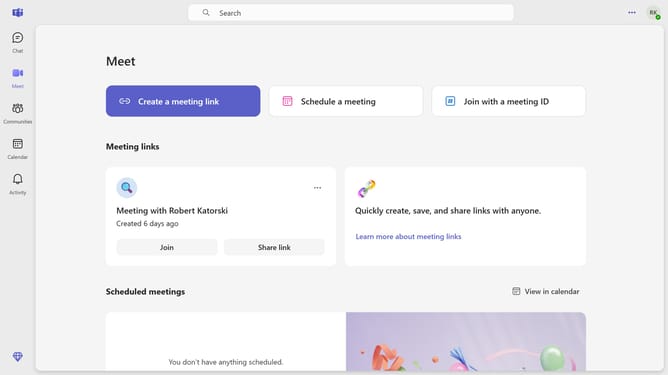
- First click on the "Communities" button in the left sidebar
- Then click on the "More options" button (three dots) next to a community
- Next click on the "Manage community" option in the dropdown menu
- Then click on the "Set nickname" button in the Members section
- Next click on the "Enter nickname" text input field in the Set nickname dialog and type in your desired name
- Finally click on the "Save" button to confirm the nickname change
Why should you change your nickname in a community in Microsoft Teams
Microsoft Teams is an all-in-one hub for collaboration, enabling seamless communication within communities or workplaces.
Changing your nickname in a community in Microsoft Teams allows you to personalize your identity, making it easier to express your personality or role.
This feature enhances recognition and connection, ensuring a more engaging interaction with team members.
Adapting your nickname can also promote a comfortable environment, fostering a cohesive and relatable atmosphere within your community.
Last update