How to undo delete specific message in Microsoft Teams
Here is how to undo delete specific message in microsoft teams
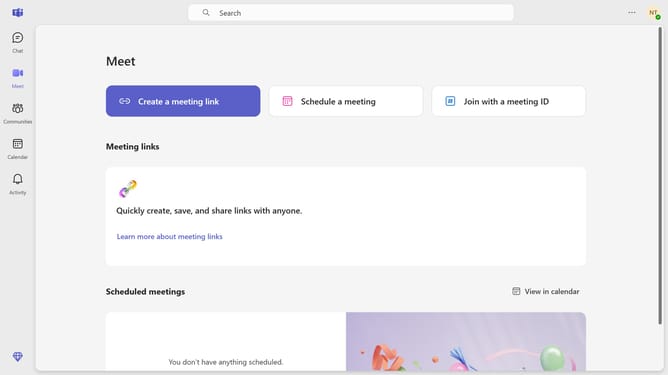
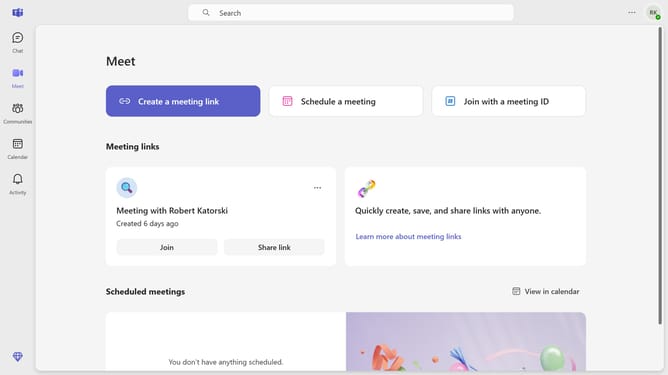
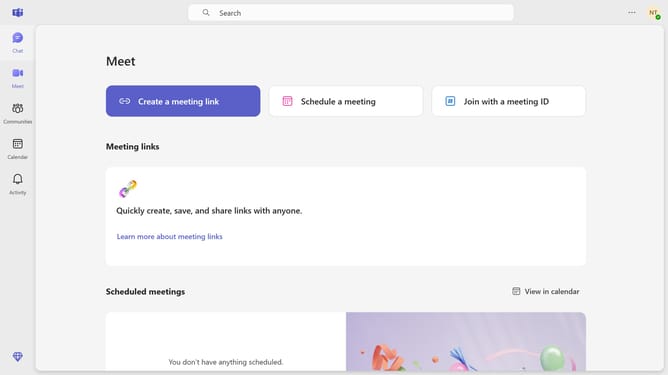
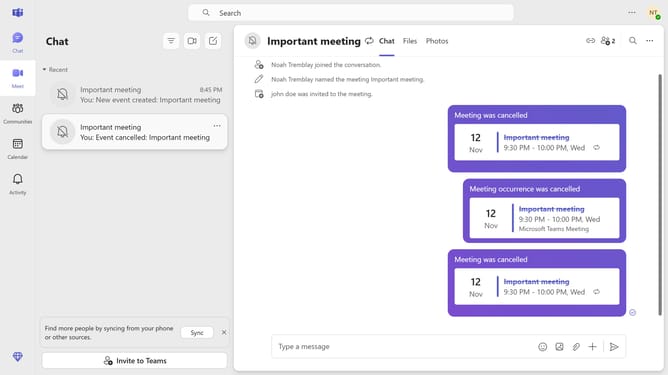
- First click on the "Chat" button in the left sidebar navigation menu
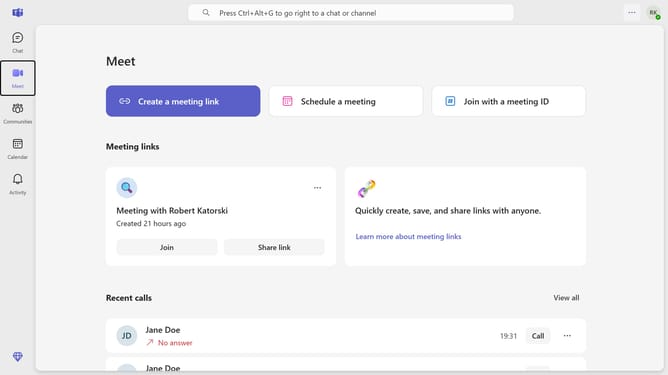
- Then click on a conversation in the chat list
- Finally click on the "Undo" link next to the deleted message
Why should you undo delete specific message in Microsoft Teams
Microsoft Teams is a dynamic collaboration hub designed to streamline communication and teamwork in organizations.
The ability to undo a deleted message in Microsoft Teams is a handy feature that enhances flexibility and control over your communications.
This capability offers peace of mind, allowing users to quickly rectify accidental deletions, preventing potential miscommunications and data loss.
By providing an easy way to restore deleted messages, Teams helps maintain smooth and seamless communication within your team.
Last update