How to change the time zone of a scheduled meeting in Microsoft Teams
Here is how to change the time zone of a scheduled meeting in microsoft teams
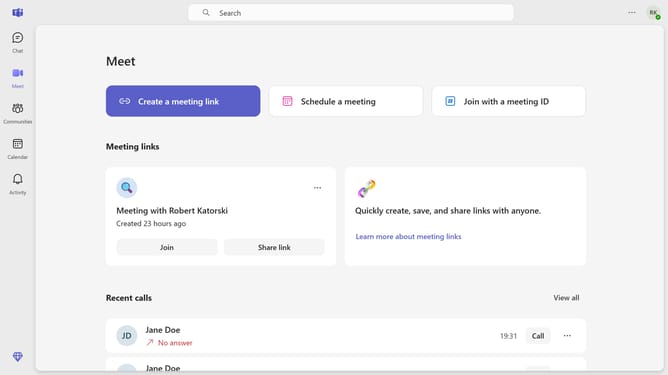
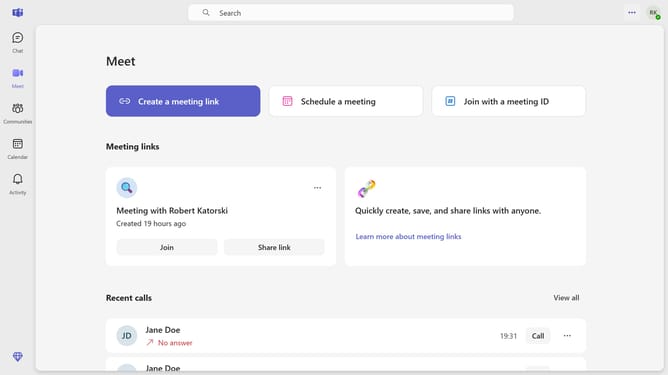
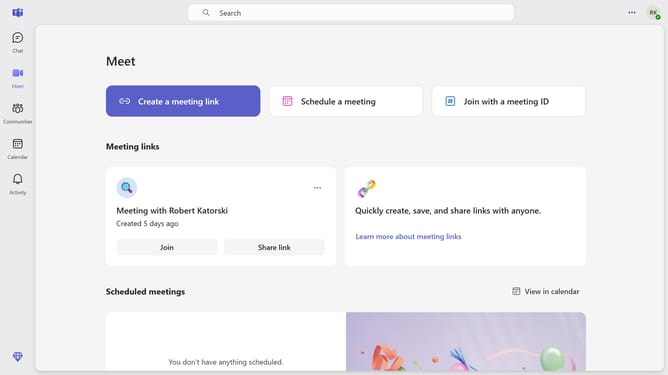
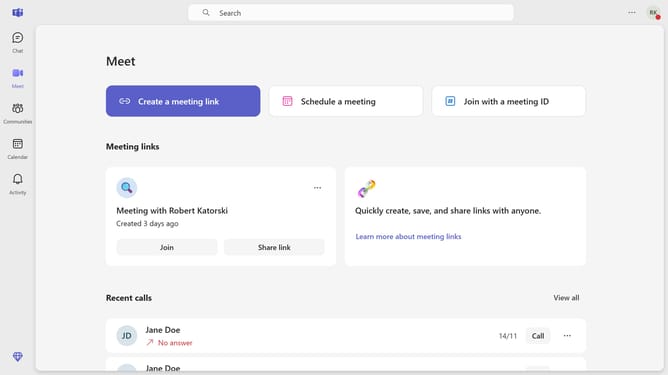
- First click on the "Meet" button in the left sidebar
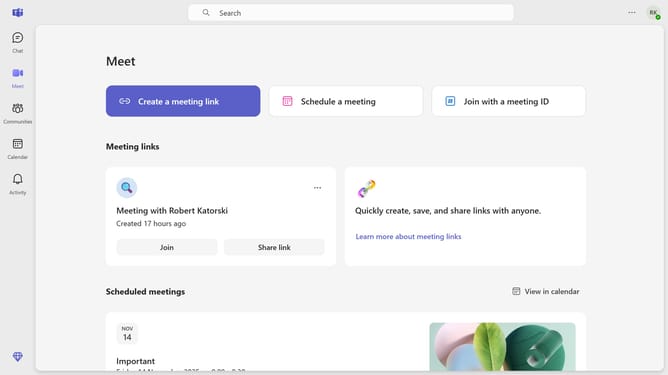
- Scroll down in the meeting menu
- Next click on the card of the scheduled meeting you want to change the time zone in the meetings list
- Then click on the "Time zone" dropdown menu in the top menu bar
- Next select your preferred timezone from the dropdown menu
- Finally click on the "Send update" button in the top menu bar
Why should you change the time zone of a scheduled meeting in Microsoft Teams
Microsoft Teams is a dynamic platform that keeps team collaboration seamless across diverse locations.
The ability to change the time zone of a scheduled meeting in Microsoft Teams ensures that all participants are on the same page, no matter where they are in the world. This feature is incredibly useful for teams working across different time zones, eliminating confusion and ensuring punctuality.
Using this feature can greatly enhance productivity and coordination, as it provides a clear schedule that accounts for regional time differences, making meetings more effective and inclusive.
Last update