How to withdraw a community invite in Microsoft Teams
Here is how to withdraw a community invite in microsoft teams
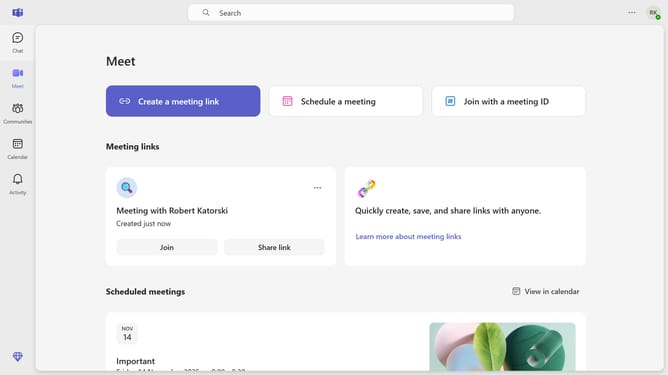
- First click on the "Communities" section in the left sidebar
- Then click on the channel from the list where you want to withdraw an invite
- Next click on the settings next to the channel name
- Then select "Pending members" from the top navigation menu
- Click the "Withdraw" button next to the invited member's name to withdraw the invite
- Finally click on the "Withdraw" button in the confirmation dialog
Why should you withdraw a community invite in Microsoft Teams
Microsoft Teams is a collaboration platform designed to streamline teamwork and communication.
The ability to withdraw a community invite in Microsoft Teams offers a flexible and efficient way to manage your digital group spaces.
This feature provides control for users, ensuring that any incorrect or premature invitations can be promptly retracted, maintaining the integrity and confidentiality of your Teams environment.
By withdrawing an invite, you enhance your team's security and keep your community interactions precise and intentional.
Last update