How to send a GIF in a chat in Microsoft Teams
Here is how to send a gif in a chat in microsoft teams
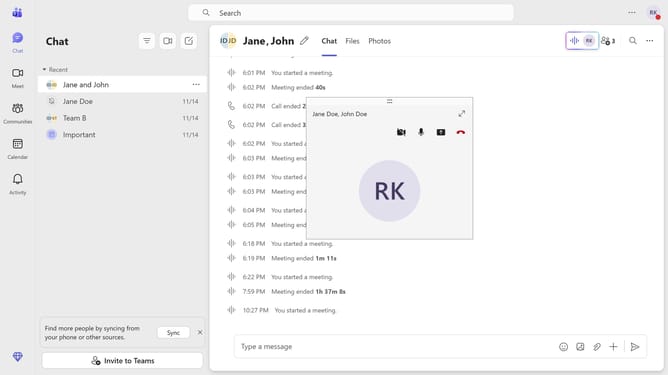
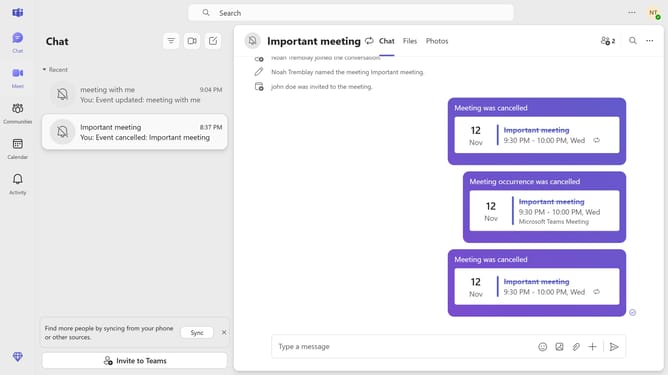
- First click on the "Chat" icon in the top navigation bar
- Then click on a conversation in the chat list
- Next click on the emoji button in the message input area
- Then click a GIF you want to use under the GIFs section
- Finally click on the "Send" button to share the selected GIF
Why should you send a GIF in a chat in Microsoft Teams
Microsoft Teams is a dynamic collaboration platform designed to connect teams and streamline their communications.
One of its standout features is the ability to send a GIF in a chat, which adds a layer of fun and personality to conversations. This feature enables users to express emotions and reactions visually, making dialogues more engaging and vibrant.
Incorporating GIFs can enhance teamwork by lightening the mood during intense projects or simply breaking the ice. It is an effective way to quickly convey sentiments, ensuring that textual messages are both impactful and memorable.
Last update