How to edit time and date of a scheduled meeting Microsoft Teams
Here is how to edit time and date of a scheduled meeting microsoft teams
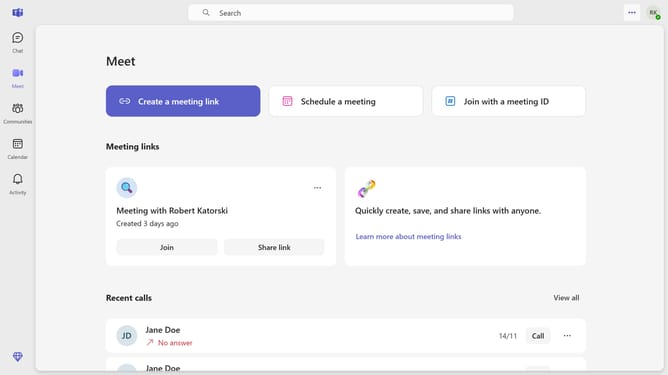
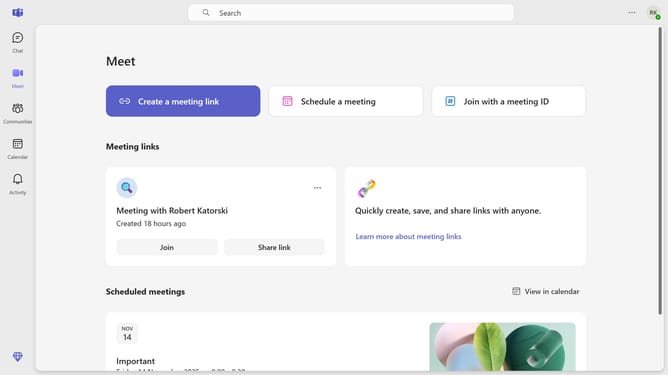
- First click on the "Meet" button in the left sidebar
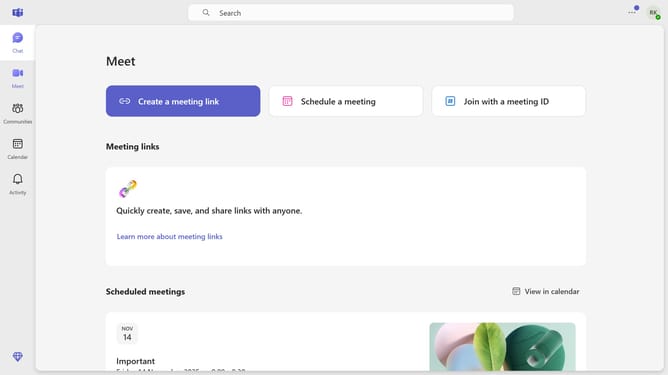
- Scroll down in the Meet menu
- Next click on the card of the scheduled meeting you want to edit the time and date
- Then click on the date field in the meeting details form
- Click on your preferred date in the calendar popup
- Click on the time dropdown button
- Select your preferred time from the time dropdown menu
- Finally click on the "Send update" button in the top toolbar
Why should you edit time and date of a scheduled meeting Microsoft Teams
Microsoft Teams is a powerful communication platform designed to enhance team collaboration and productivity.
One of the most convenient features is the ability to edit the time and date of scheduled meetings. This flexibility ensures seamless coordination, even when plans change unexpectedly.
Utilizing this feature means you can easily accommodate team members' varying schedules, reducing the likelihood of missed meetings and ensuring everyone stays informed and connected.
Overall, this capability enhances your team's adaptability and keeps your collaboration running smoothly.
Last update