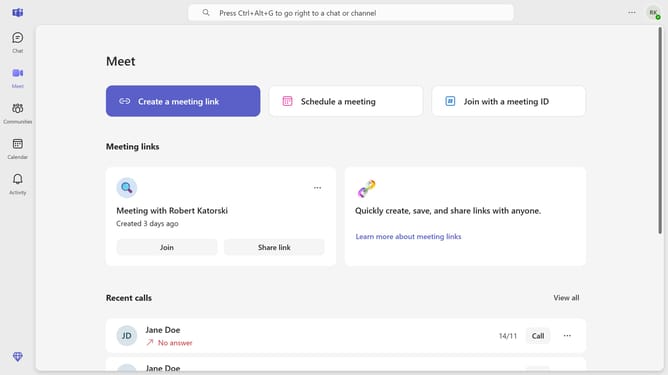
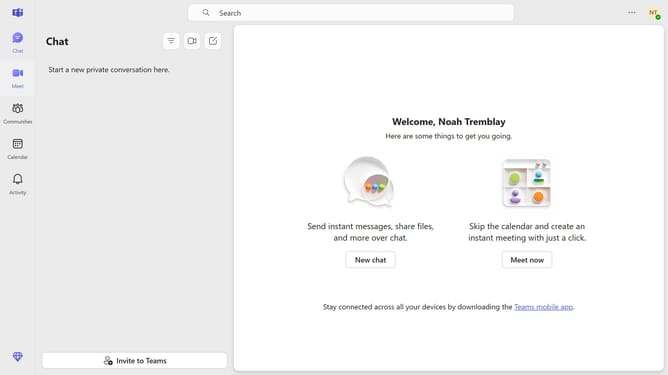
How to mute meeting chat notifications until you join or send a message in Microsoft Teams
Here is how to mute meeting chat notifications until you join or send a message in microsoft teams
- First click on the more options button in the top-right corner of the Teams interface
- Then click "Settings" from the dropdown menu
- Next click on "Notifications and activity" in the left settings sidebar
- Scroll down in the Notifications and activity settings menu
- Click on the "Meeting chat notifications" dropdown menu in the Meetings section
- Finally select "Mute until I join or send a message" option from the dropdown menu
Why should you mute meeting chat notifications until you join or send a message in Microsoft Teams
Microsoft Teams is a powerful collaboration tool designed to enhance teamwork and communication within organizations.
One of its standout features is the ability to mute meeting chat notifications until you join or send a message. This ensures that while you're focusing on other tasks, you're not interrupted by multiple chat alerts.
This feature is particularly beneficial for maintaining concentration and minimizing distractions, allowing you to control when you're notified about ongoing conversations.
By employing this feature, you ensure a more focused work environment without missing out on critical updates once you're ready to engage.
Last update