How to delete a specific message in Microsoft Teams
Here is how to delete a specific message in microsoft teams
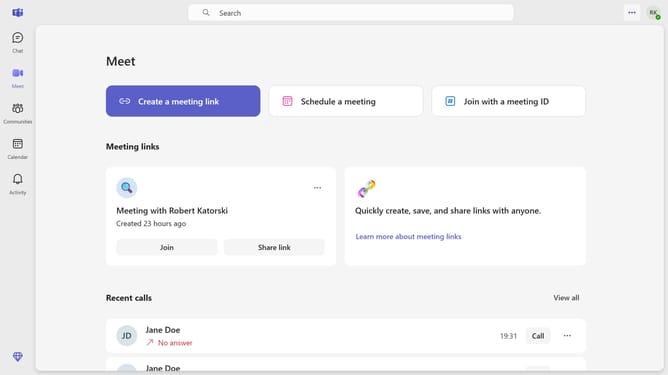
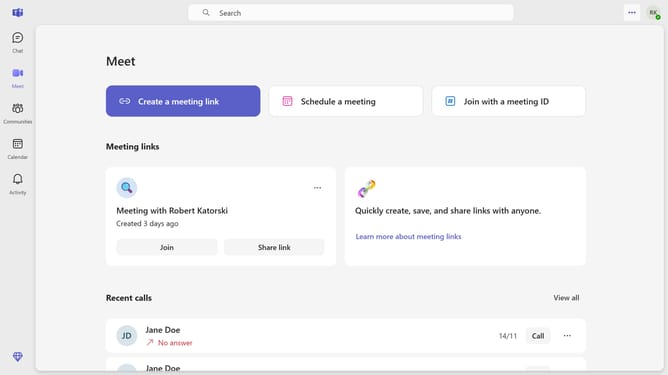
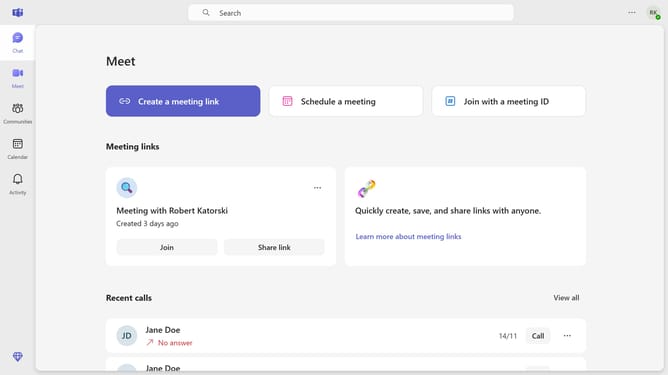
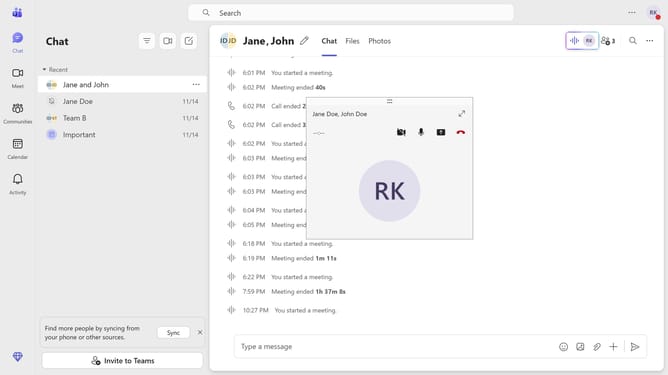
- First click the "Chat" button in the top navigation bar
- Then click a conversation in the chat message list
- Next hover your mouse cursor over the message you want to delete
- Then click the message options menu "..." icon in the chat interface
- Finally click on "Delete" option in the message context menu
Why should you delete a specific message in Microsoft Teams
Microsoft Teams is a dynamic communication platform designed to streamline collaboration for organizations worldwide.
One of its handy features is the ability to delete specific messages, offering users enhanced control over their conversations. This feature allows users to quickly rectify mistakes, ensuring clear and accurate communication.
Effective message management also helps maintain privacy, keeping sensitive information secure by permanently removing unwanted texts.
By enabling such precise message control, users enjoy a more organized and professional communication environment.
Last update