How to enable incoming call and meeting start sounds in Microsoft Teams
Here is how to enable incoming call and meeting start sounds in microsoft teams
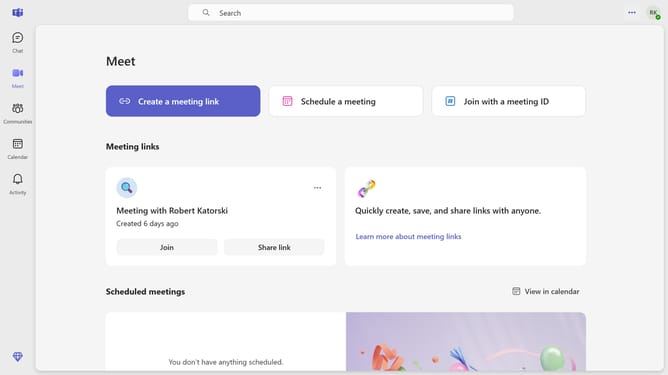
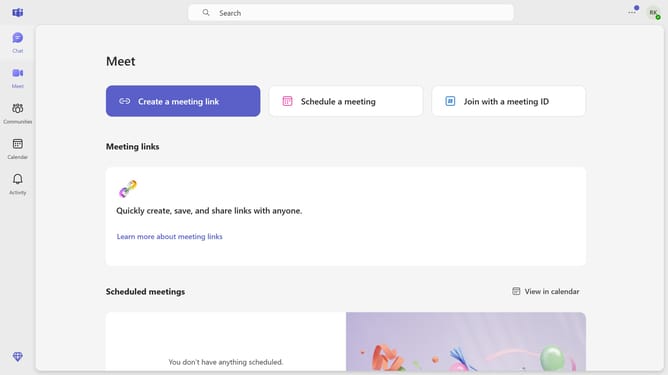
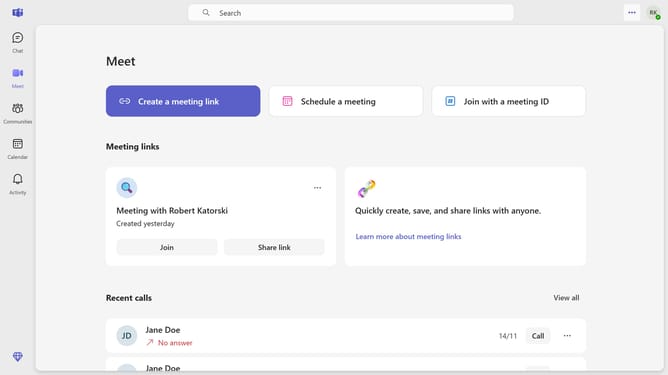
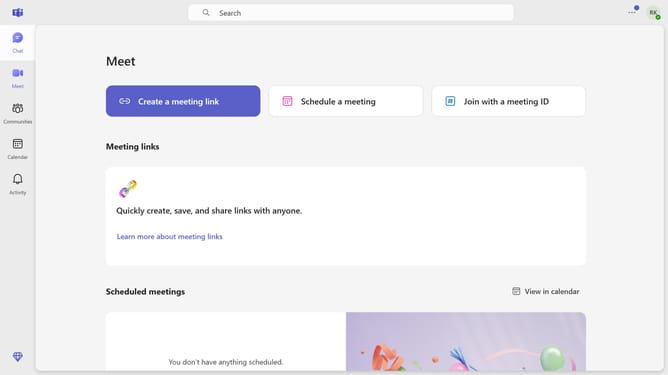
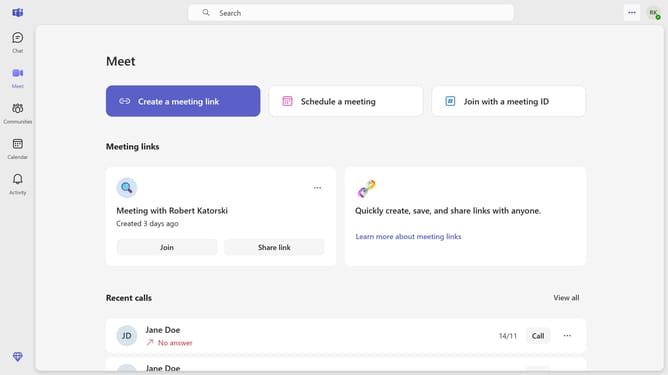
- First click on the three-dot button in the top-right corner of the window
- Then click the "Settings" from the dropdown menu
- Next click on "Notifications and activity" option in the settings menu
- Finally click the checkbox for "Play sounds with incoming calls, requests to join, and meeting start notifications" in the Sound settings section
Why should you enable incoming call and meeting start sounds in Microsoft Teams
Microsoft Teams is a collaborative platform that brings people, conversations, and content together for seamless communication.
Enabling incoming call and meeting start sounds in Microsoft Teams enhances your awareness of incoming communications, ensuring you never miss an important call or meeting initiation.
This feature not only keeps you attentive but also ensures that you are promptly alerted, allowing for a smoother transition into active participation.
Overall, the timely audio cues foster better time management and concentration, crucial for maintaining effective communication in today’s dynamic work environment.
Last update