How to disable incoming call and meeting start sounds in Microsoft Teams
Here is how to disable incoming call and meeting start sounds in microsoft teams
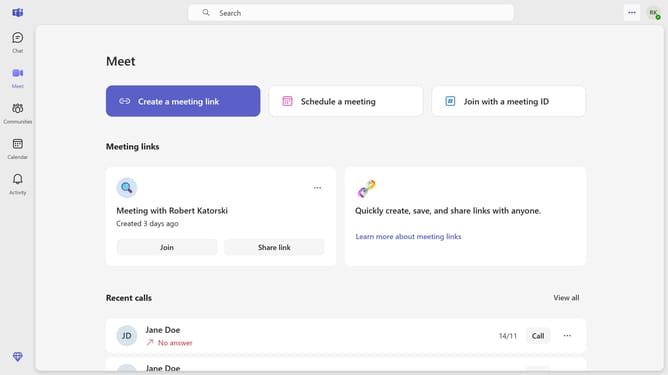
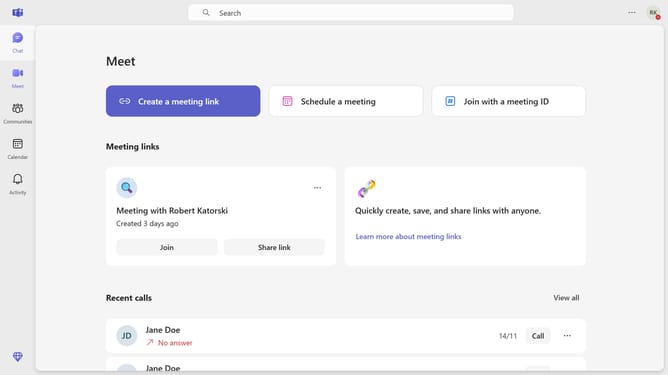
- First click on the "More options" (three-dot icon) in the top-right corner of the window
- Then click "Settings" from the dropdown menu
- Click on "Notifications and activity" option in the settings sidebar
- Finally uncheck the "Play sounds with incoming calls, requests to join, and meeting start notifications" checkbox in the Sound settings section
Why should you disable incoming call and meeting start sounds in Microsoft Teams
Microsoft Teams is a robust platform designed to streamline communication and collaboration within organizations.
This powerful tool includes a feature to disable incoming call and meeting start sounds, enhancing your workspace environment. By disabling these sounds, you effectively reduce disruptions and maintain focus during deep work or ongoing tasks.
Employing this feature allows for a more controlled and fluid communication experience, fostering productivity and concentration when every minute counts.
Last update