How to set your status to be right back using slash command in Microsoft Teams
Here is how to set your status to be right back using slash command in microsoft teams
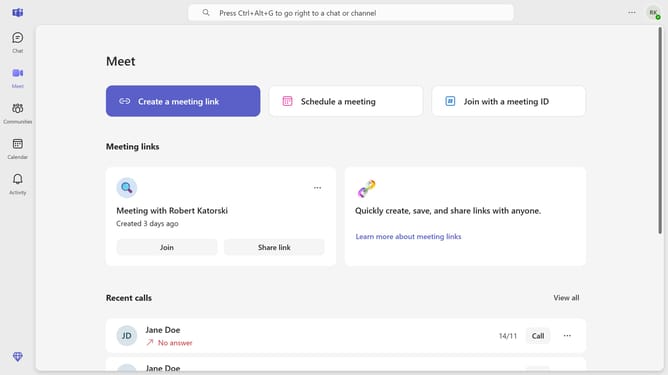
- First click on the "Chat" button in the top navigation bar
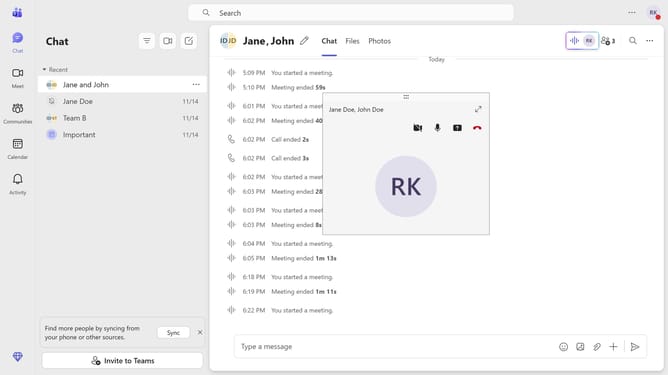
- Next click a message in the chat history
- Then click in the message input field at the bottom of the chat window and type "/brb"
- Finally click on the "/brb" command from the Commands menu that appears
Why should you set your status to be right back using slash command in Microsoft Teams
Microsoft Teams is a powerful collaboration platform that enables seamless communication and teamwork.
Using the simple slash command, setting your status to "be right back" in Microsoft Teams becomes a breeze.
This feature ensures team members know you are momentarily away, promoting transparency and efficient workflow.
By quickly updating your status, you enhance productivity and maintain clarity in your team's communication dynamics.
Last update